
Top 8 Patient Scheduling Software for Your Practice

Phones ringing nonstop, slots sitting empty, patients waiting on hold just to book a checkup. If this sounds like your front desk, the problem usually isn't your staff. It's your scheduling system.
The best patient scheduling software lets patients book, reschedule, or cancel appointments on their own, so your team spends less time on the phone and more time with patients. Below are eight options worth looking at, starting with the one built specifically for patient communication and scheduling together.
What Is Patient Scheduling Software?
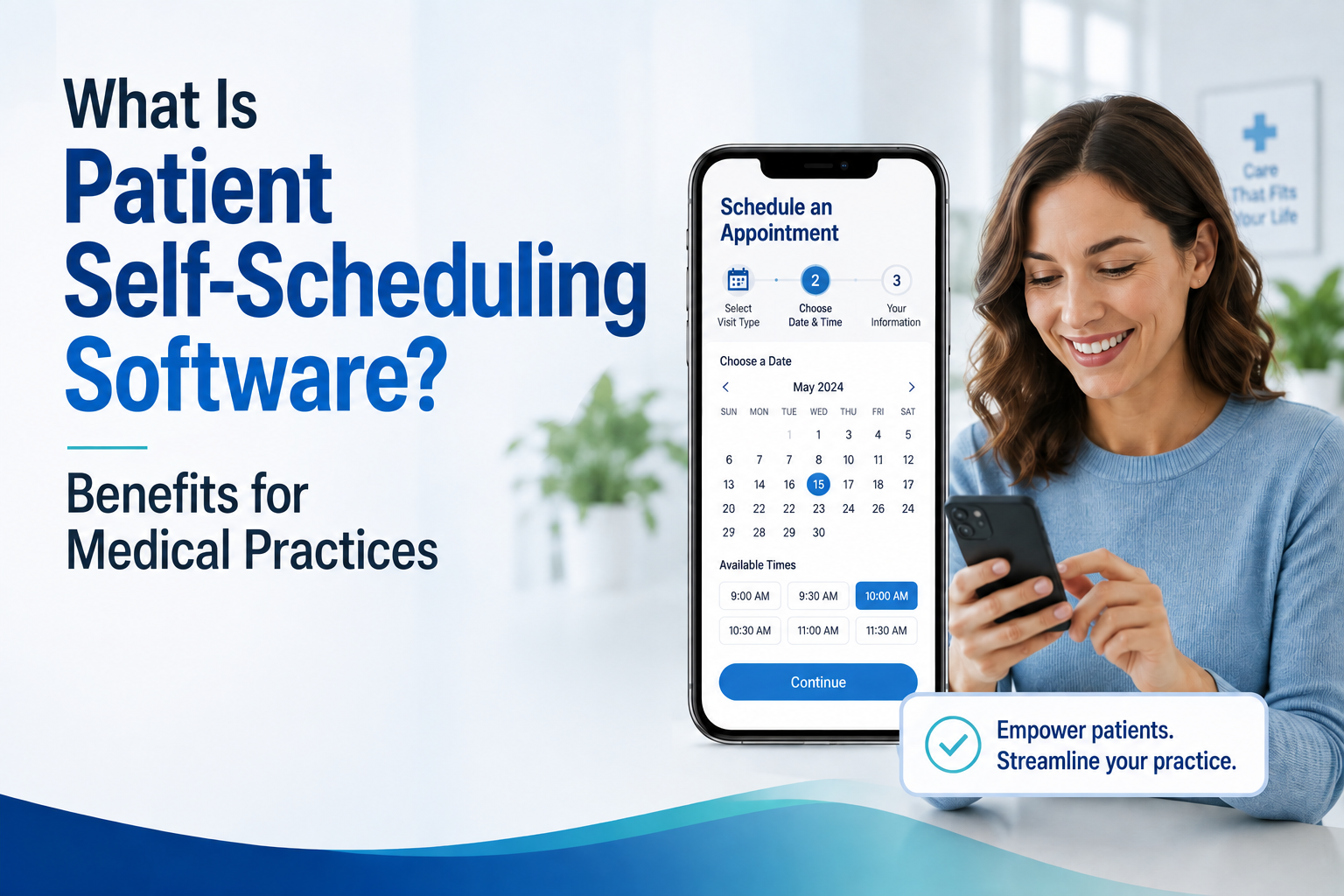
Patient scheduling software lets patients book appointments online instead of calling your practice. Most tools also handle a few other things:
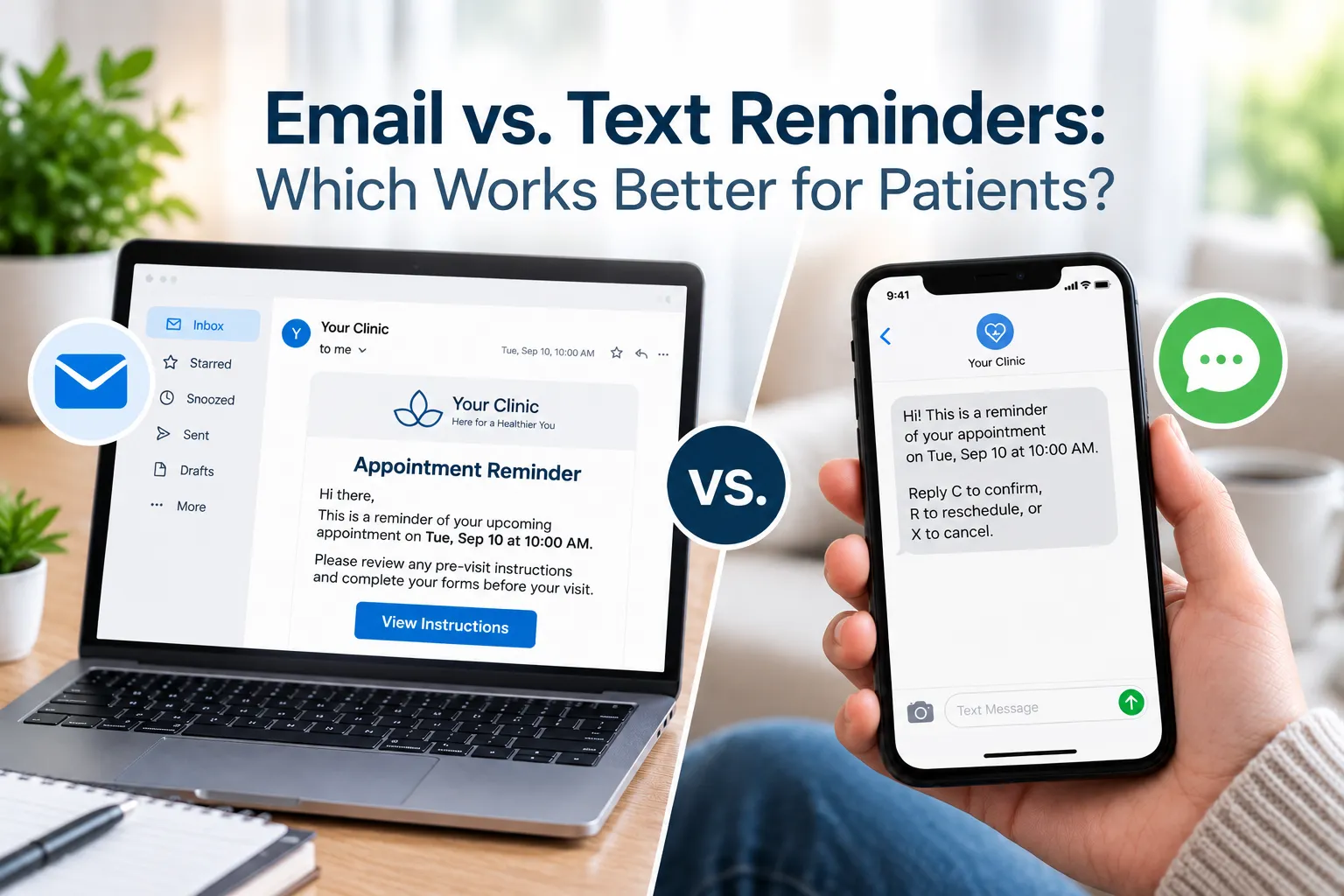
- Reminders by text, email, or voice
- Waitlists that fill last-minute cancellations
- Two-way messaging between patients and staff
- A connection to your EHR or practice management system
- Insurance checks before the visit
Some tools are just a booking add-on. Others are part of a bigger system that also handles billing and charting. Knowing which one your practice actually needs makes this decision a lot easier.
Comparison at a Glance
| Software | Best For | Price | Syncs With |
|---|---|---|---|
| SimpleChime | Practices that want scheduling and patient communication in one place | Contact for pricing | Real-time sync with your EHR |
| NextGen Self-Scheduling | Practices already on NextGen | Contact for pricing | NextGen Enterprise PM |
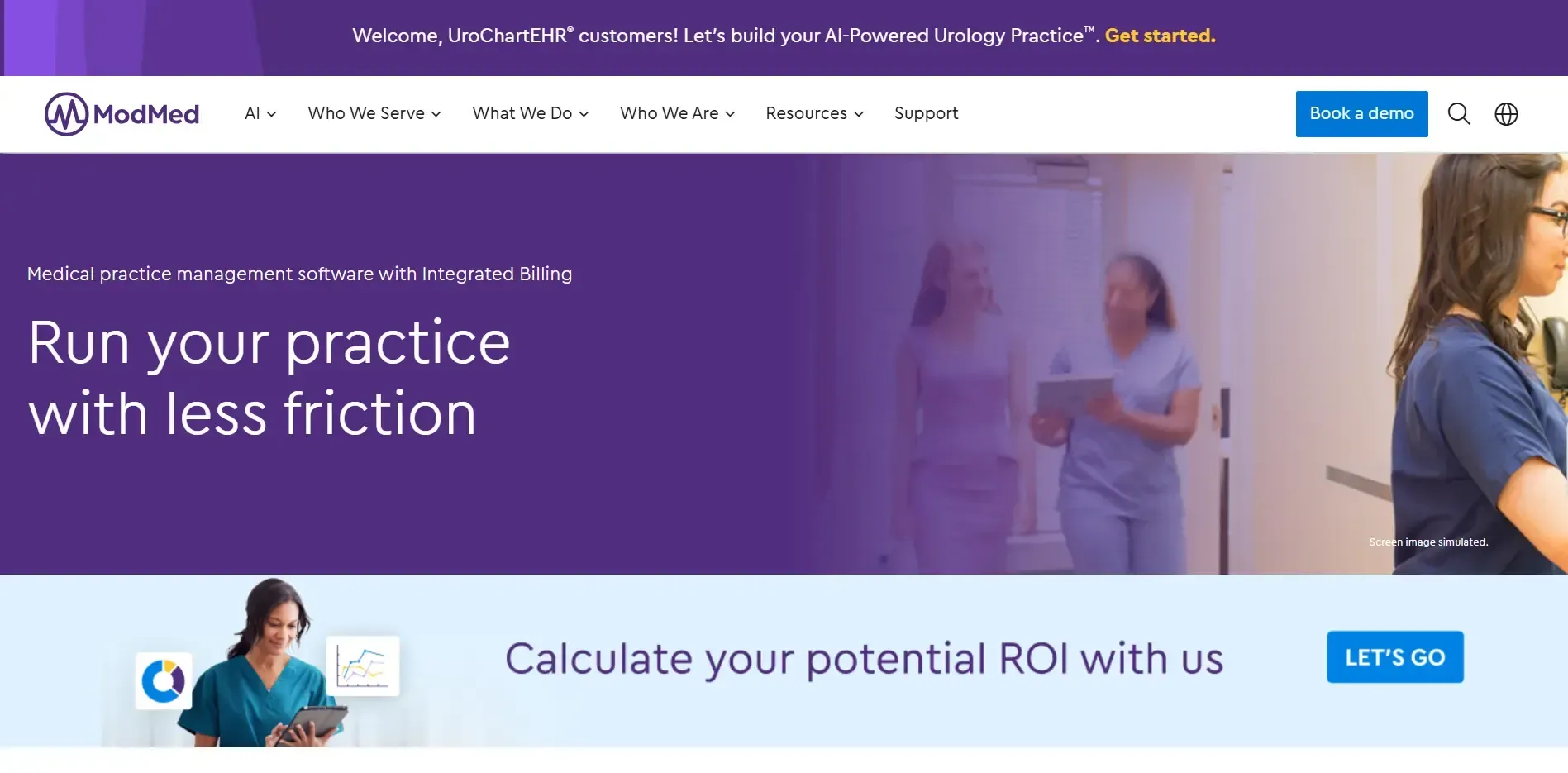
| ModMed (EMA) | Specialty practices (derm, ortho, urology) | Contact for pricing | ModMed EMA, third-party tools like Klara |
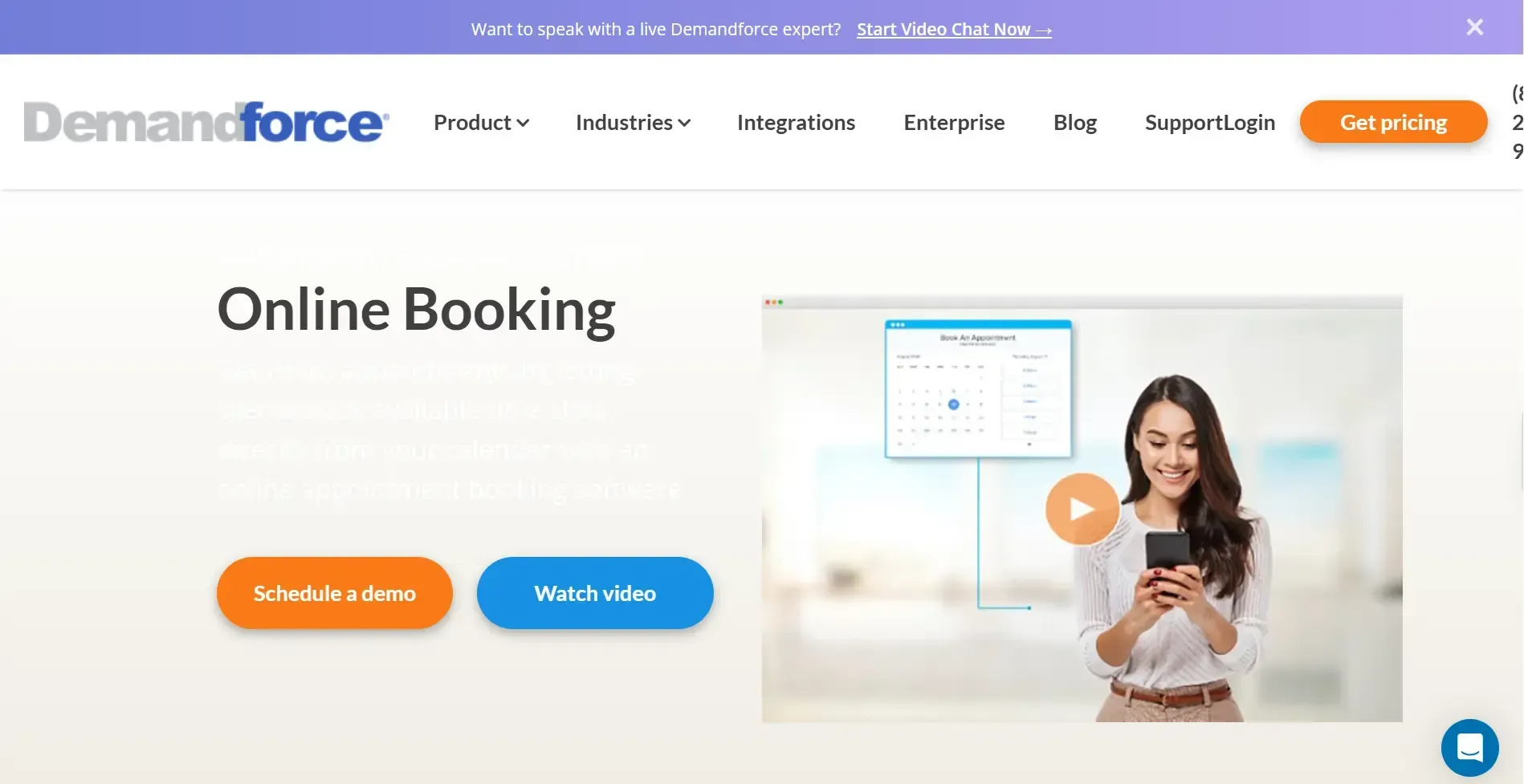
| Demandforce | Small to mid practices wanting marketing too | Contact for pricing | Practice management systems (e.g., AdvancedMD) |
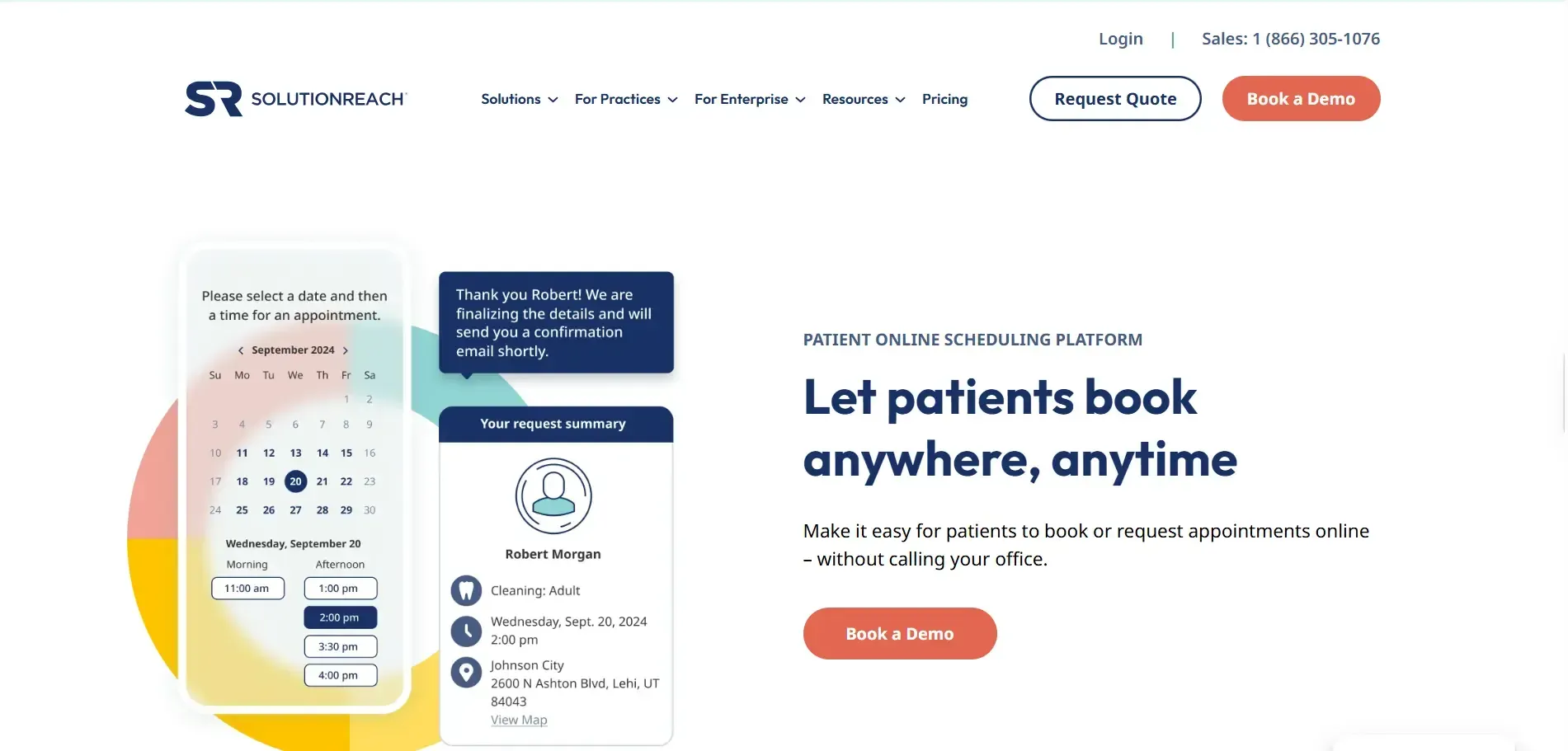
| Solutionreach | Dental, optometry, multi-location practices | Starts around $400/month | Third-party practice management systems |
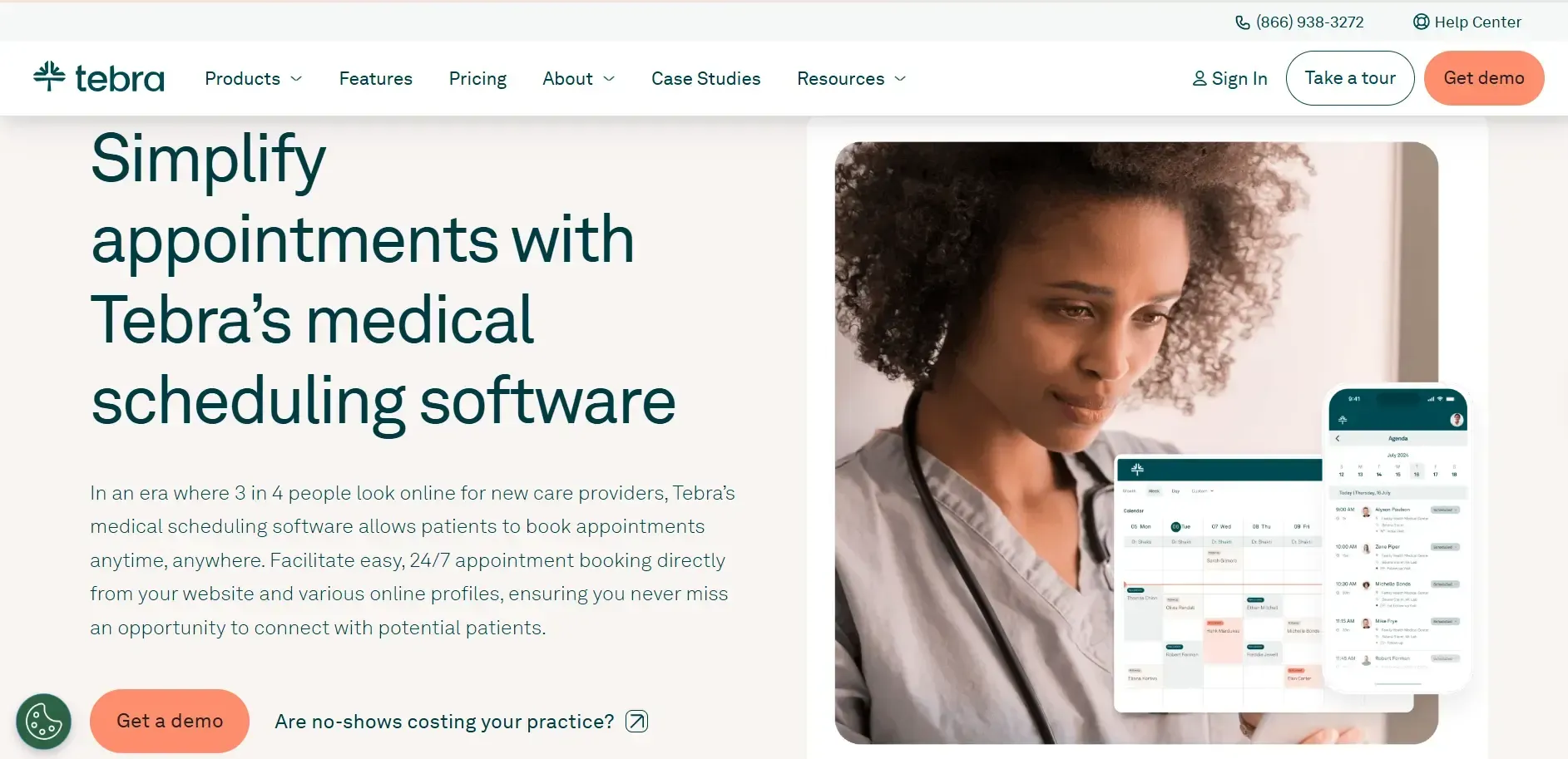
| Tebra | Independent practices wanting one login | Starts around $149/provider/month | Built-in, no separate sync needed |
| DrChrono | Solo practitioners and small practices | Starts around $199/provider/month | Built-in, no separate sync needed |
| Phreesia | Larger practices and health systems | Contact for pricing | Multiple EHR systems at once |
The 8 Best Patient Scheduling Software Options for Your Practice
1. SimpleChime

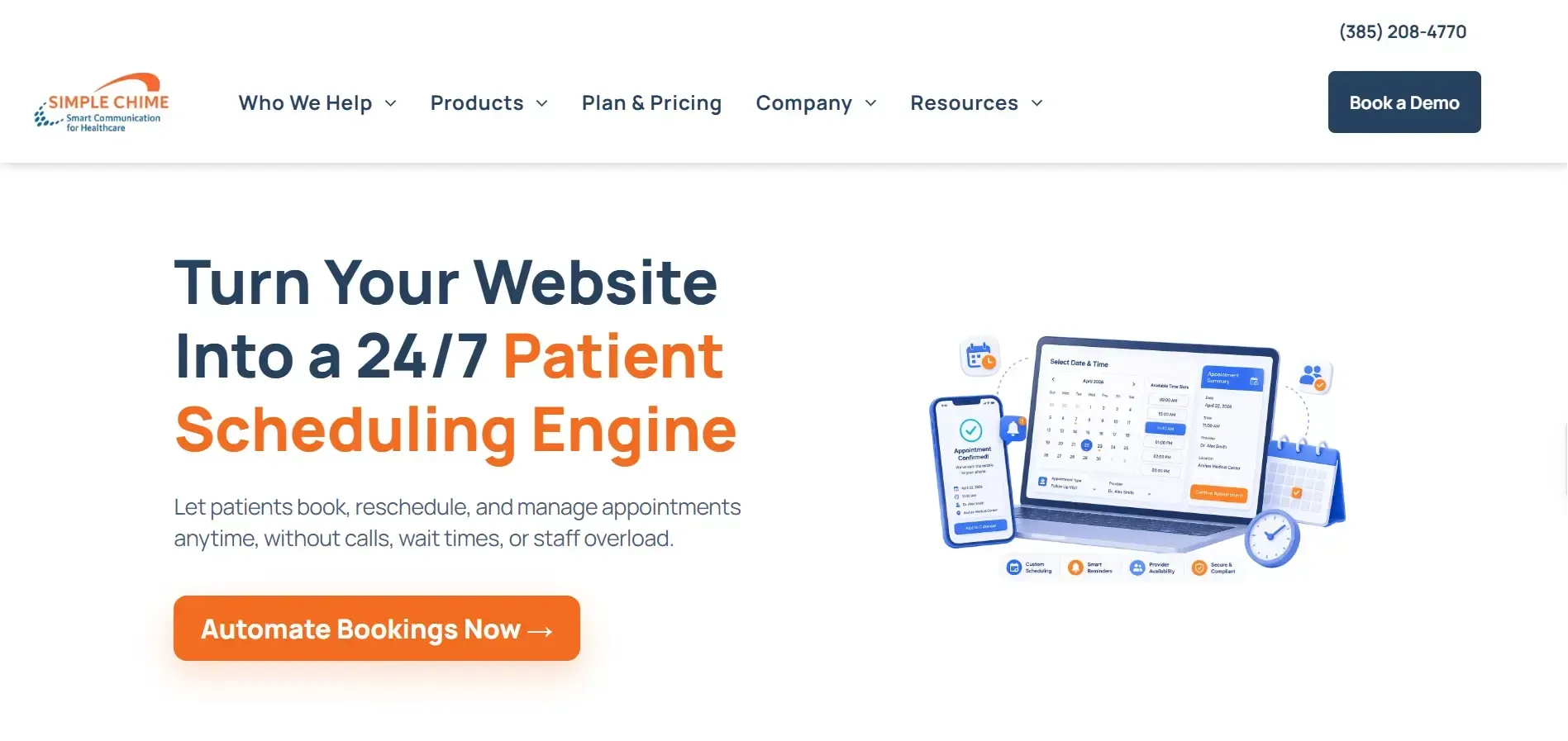
SimpleChime turns your website into a 24/7 booking tool. Patients answer a few quick questions, pick a real-time slot synced to your EHR, and get an instant confirmation, all without calling your practice. It's built as an add-on to SimpleChime's two-way texting and phone system, so scheduling and patient communication run through the same platform.
Pros
- Real-time EHR sync means no double bookings
- Patients reschedule in a few clicks, no login needed
- Smart questions route patients to the right appointment type
- Scheduling, texting, and phone all run on one system
- Staff get instant alerts on bookings, cancellations, and reschedules
- Workflows adapt to your practice rules, not a rigid template
- Booking embeds right into your website, no app needed
- Automated reminders help cut down on no-shows
Cons
- Online Scheduling is sold as an add-on, not a standalone plan, so it's priced on top of a messaging plan
- No specialty-specific templates like ModMed offers for practices like dermatology or orthopedics
Price: Contact SimpleChime for a quote.
Sync: Syncs in real time with your EHR system, so appointment availability and confirmations stay accurate on both sides.
2. NextGen Healthcare

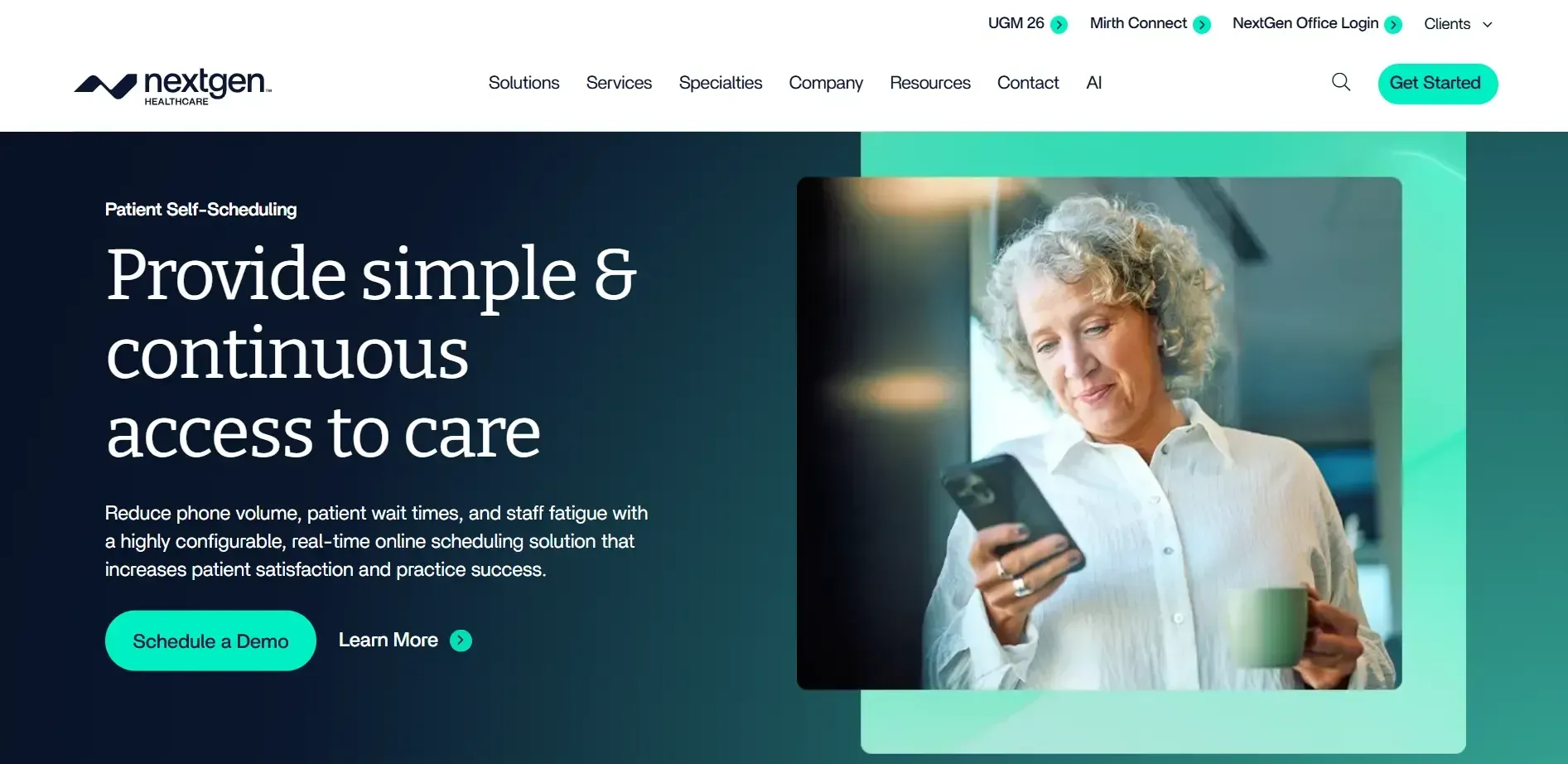
NextGen Self-Scheduling lets patients book by text or web without logging in. It's built to work inside NextGen's own system, not as a standalone tool.
Pros
- Works directly inside the NextGen appointment book
- Smart waitlist fills open slots automatically
- Rebooking prompts go out the moment a patient cancels
Cons
- Only makes sense if you're already using NextGen
- New features depend on NextGen's own roadmap, not scheduling-specific requests
Price: Contact NextGen for a quote.
Sync: Built into NextGen Enterprise PM. It won't help if you use a different EHR.
3. ModMed (EMA)

ModMed's EMA is built for specialty practices like dermatology, orthopedics, and urology. Scheduling sits inside the same system as billing and charting.
Pros
- Scheduling updates billing and charting automatically
- Specialty-specific templates save setup time
- Connects with tools like Klara and Demandforce
Cons
- Built around specialty practices, so general or primary care practices may not need everything it offers
- Setup and training take longer than standalone scheduling tools
Price: Contact ModMed for a quote.
Sync: Fully built into ModMed's EMA and practice management system, plus over 20 third-party integrations.
4. Demandforce

Demandforce pairs online booking with review management and patient outreach, so scheduling comes bundled with marketing tools.
Pros
- Booking syncs directly with your calendar
- Reminders go out by text, email, or voice
- Built-in reputation management for online reviews
Cons
- Leans more toward marketing than deep scheduling logic
- Some users report slower performance in certain remote desktop setups
Price: Contact Demandforce for a quote.
Sync: Integrates with practice management systems like AdvancedMD.
5. Solutionreach

Solutionreach is built around patient communication, with scheduling as one part of a bigger toolkit for reminders and recall tracking.
Pros
- Patients can book online any time, day or night
- Recall tracking brings patients back for follow-up visits
- Mass messaging works well for closures or provider absences
Cons
- Priced for practices that want heavy communication features, which may be more than smaller practices need
- Requires a separate practice management system to sync with
Price: Plans start around $400 per month.
Sync: Connects with a range of third-party practice management systems rather than replacing one.
6. Tebra

Tebra combines scheduling, EHR, billing, and telehealth in one login, so your front desk and clinical team work from the same system.
Pros
- One login covers scheduling, charting, and billing
- Online booking through the patient portal
- AI-assisted documentation alongside scheduling
Cons
- Practices with a separate EHR may find it hard to justify switching everything over
- Learning a new all-in-one system takes more setup time than a single-purpose scheduler
Price: Starts around $149 per provider per month.
Sync: Built directly into the platform. There's no separate system to connect.
7. DrChrono

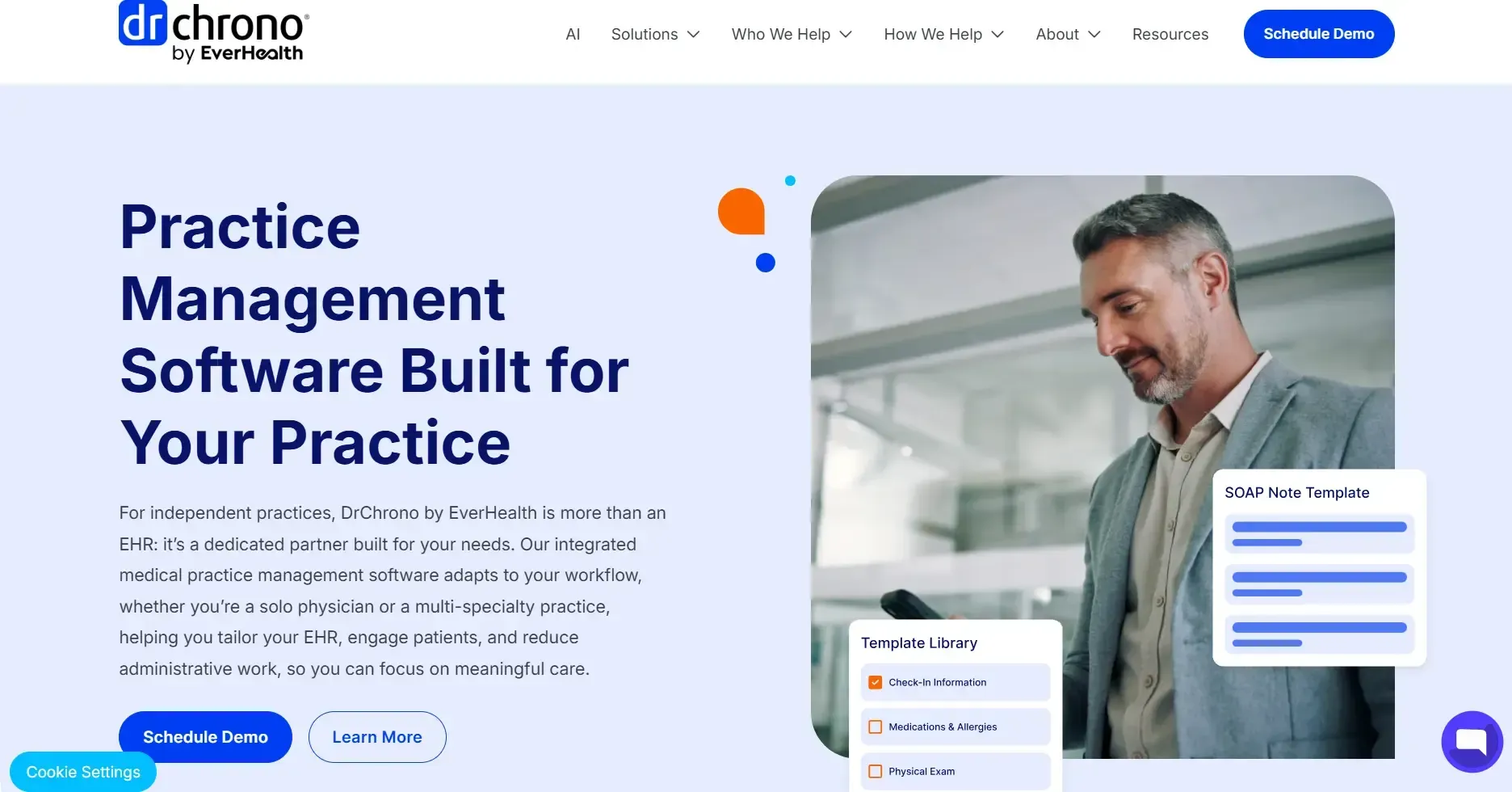
DrChrono is a cloud-based EHR built for solo providers and small practices, with scheduling, billing, and charting in the same system.
Pros
- Mobile-friendly, so providers can check schedules on the go
- Billing and claims are built in, not bolted on
- Appointment types and templates are easy to customize
Cons
- Built for smaller teams, so larger multi-provider practices may outgrow it
- Fewer specialty-specific features than platforms built for larger groups
Price: Starts around $199 per provider per month.
Sync: Built into the platform's own EHR and practice management system.
8. Phreesia

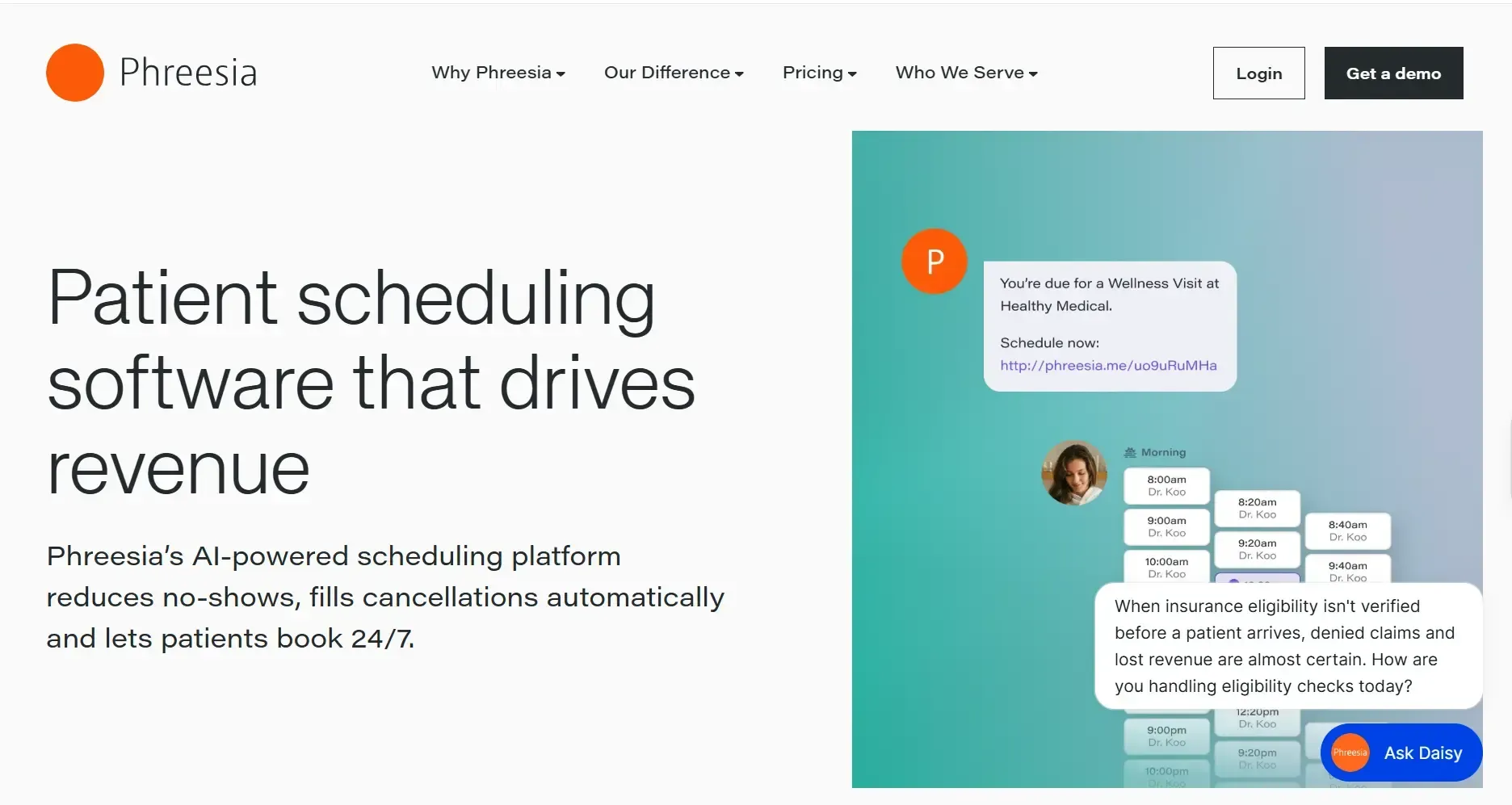
Phreesia connects scheduling to digital intake, insurance checks, and payments, so the appointment isn't the only thing getting automated.
Pros
- Patients can self-schedule from any device, no app needed
- Intake forms and insurance checks happen before the visit
- Reporting works across multiple locations
Cons
- Built for scale, so smaller independent practices may find it more than they need
- Digital intake steps can take patients a bit longer to complete
Price: Contact Phreesia for a quote.
Sync: Works across multiple EHR systems at once, which matters most for larger health systems.
Choose the Right Fit for Your Practice
- Choose SimpleChime if you want scheduling, texting, and phone communication working together instead of as separate tools, with real-time EHR sync and no login required for patients to book or reschedule.
- Choose NextGen if you're already running NextGen Enterprise PM.
- Choose ModMed if you run a specialty practice like dermatology or orthopedics.
- Choose Demandforce if you want scheduling bundled with marketing and reviews.
- Choose Solutionreach if your biggest need is patient communication and recall tracking.
- Choose Tebra if you want scheduling, billing, and charting under one login.
- Choose DrChrono if you're a solo provider or small practice.
- Choose Phreesia if you run a larger practice or health system that needs intake and payments tied to scheduling.
How to Choose the Right Patient Scheduling Software
A few things worth checking before you commit to any tool:
- Does it work with your EHR? Some tools only work well inside their own ecosystem.
- Does it match your practice size? A solo practice and a health system need very different levels of complexity.
- What's actually causing the problem? If missed appointments are the issue, prioritize reminders over intake forms.
- Is it HIPAA compliant? Ask directly. Don't assume.
- What's the real cost? Factor in setup fees and per-provider pricing, not just the number on the pricing page.
Conclusion
There's no single best patient scheduling software for every practice. A solo provider and a multi-location health system need very different tools, and the right pick usually comes down to what's actually slowing your front desk down: missed calls, no-shows, or paperwork before the visit.
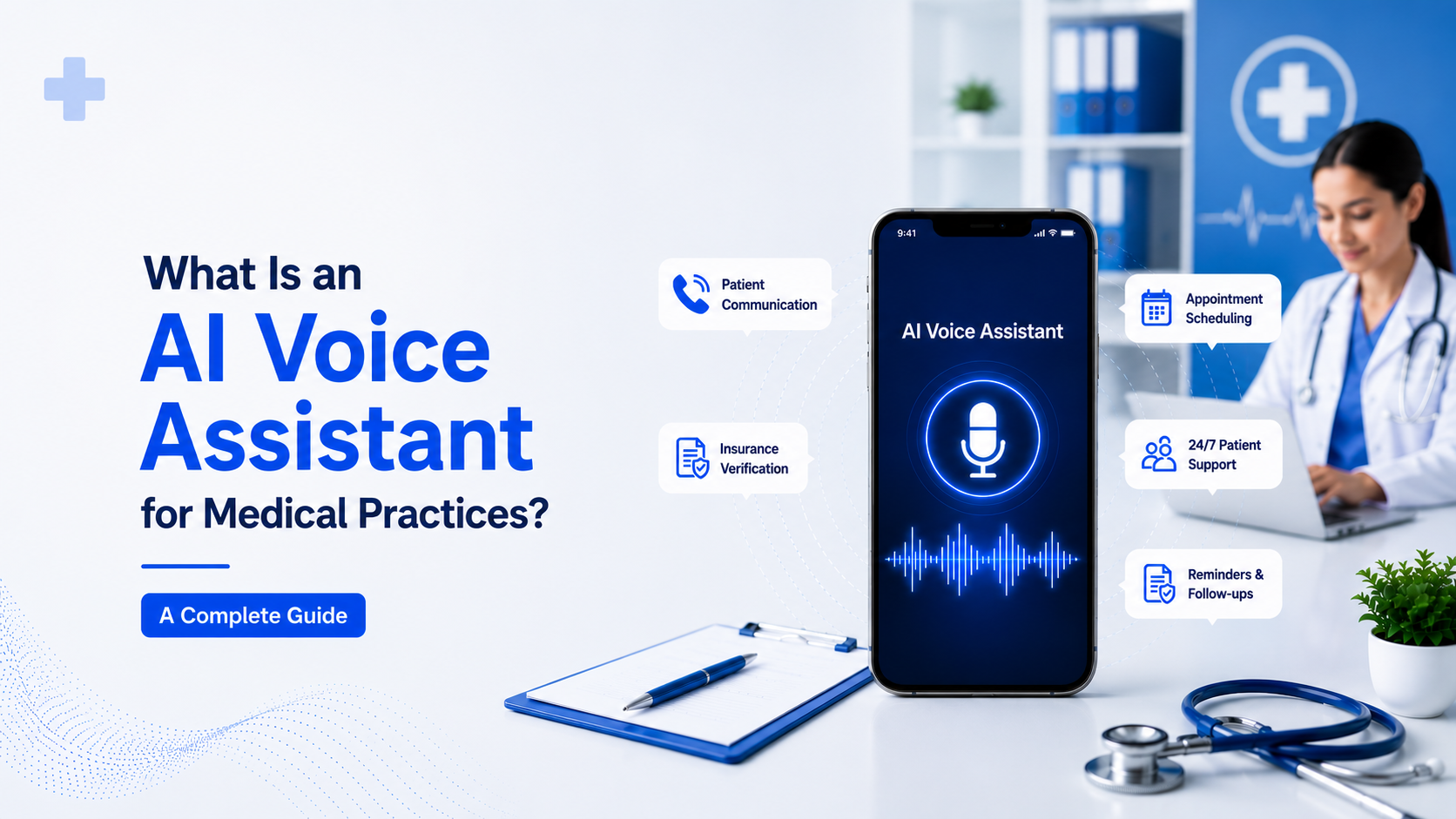
If scheduling and patient communication keep living in separate systems, that gap is worth closing first. SimpleChime brings booking, two-way texting, and an AI voice assistant into one place, so your practice can cut down on missed appointments without juggling another disconnected tool.