Why Patients Don't Answer Calls (and How Texting Fixes It)
• November 12, 2026

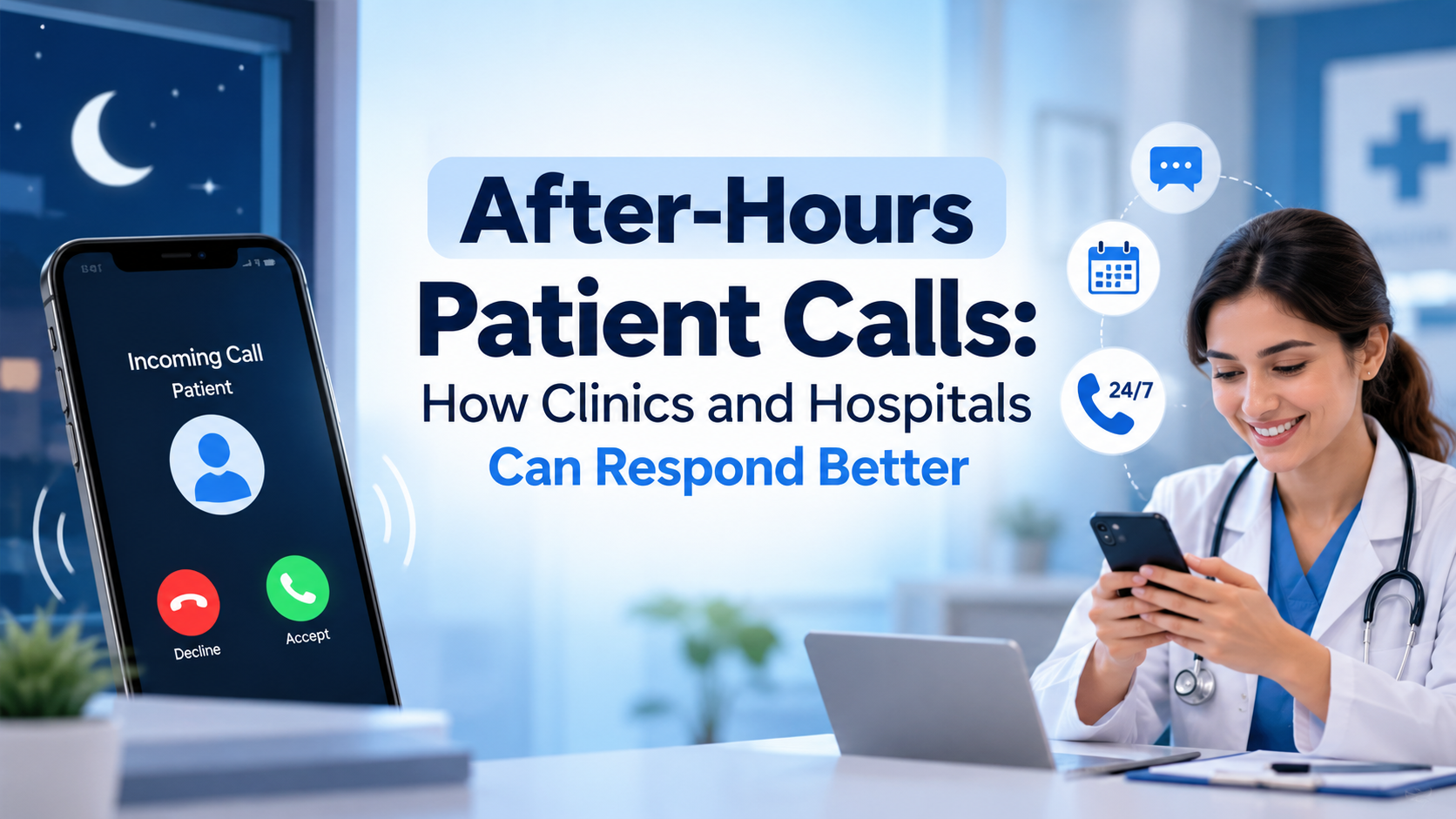
Your front desk calls to confirm tomorrow's visit. It rings out twice, and the patient never shows.
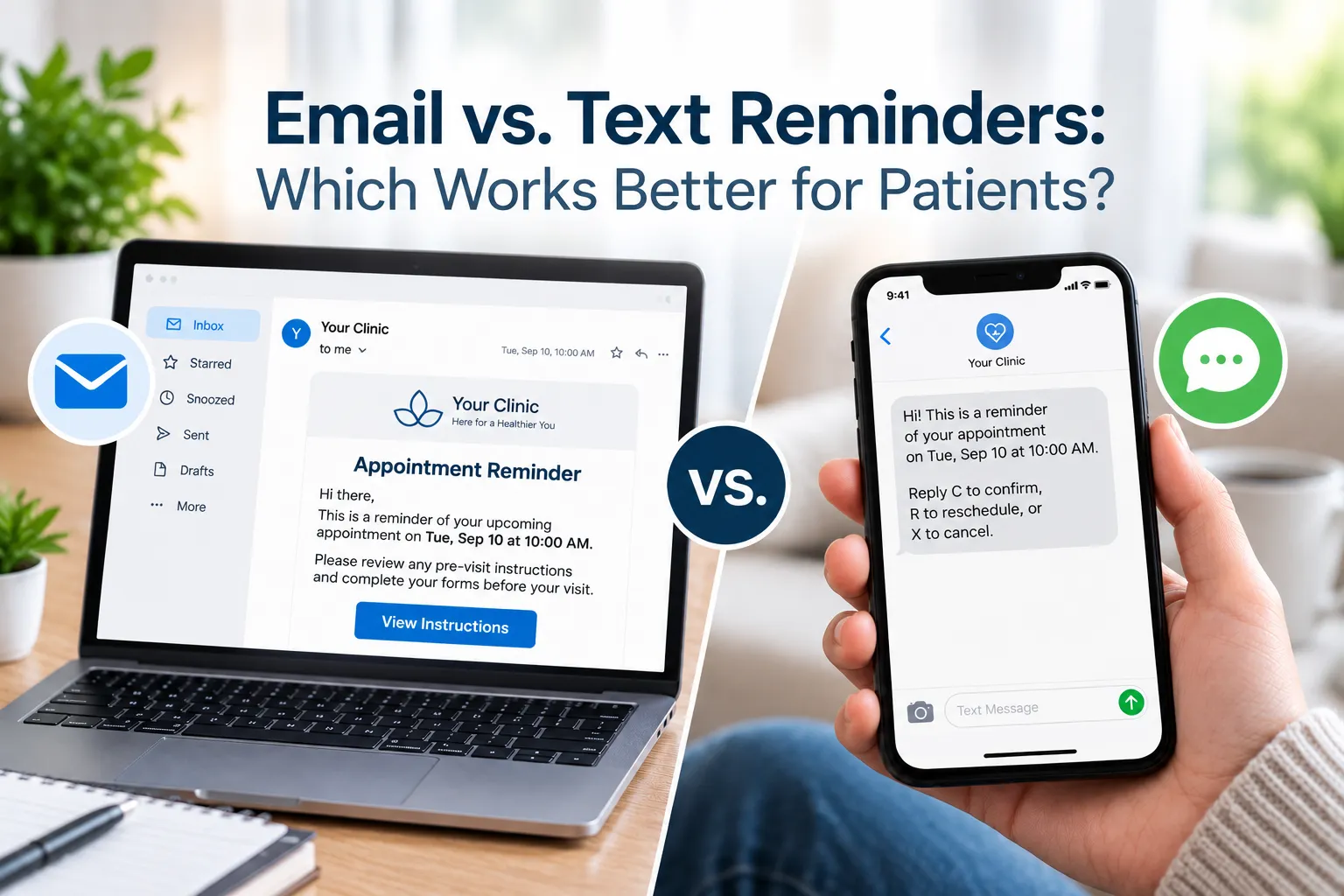
Quick answer: Most patients don't answer calls from numbers they don't recognize, and practice calls often get filtered as spam. Texting works because patients read and reply when it suits them. Two-way texts let them confirm, reschedule, pay, or ask questions without phone tag.
Key takeaways
- Unknown numbers, spam filters, and bad timing keep patients from picking up.
- Unanswered calls lead to no-shows, lost staff hours, and patients who stop booking.
- Text messaging in healthcare works alongside the phone, not instead of it.
Why Patients Don't Pick Up Your Calls

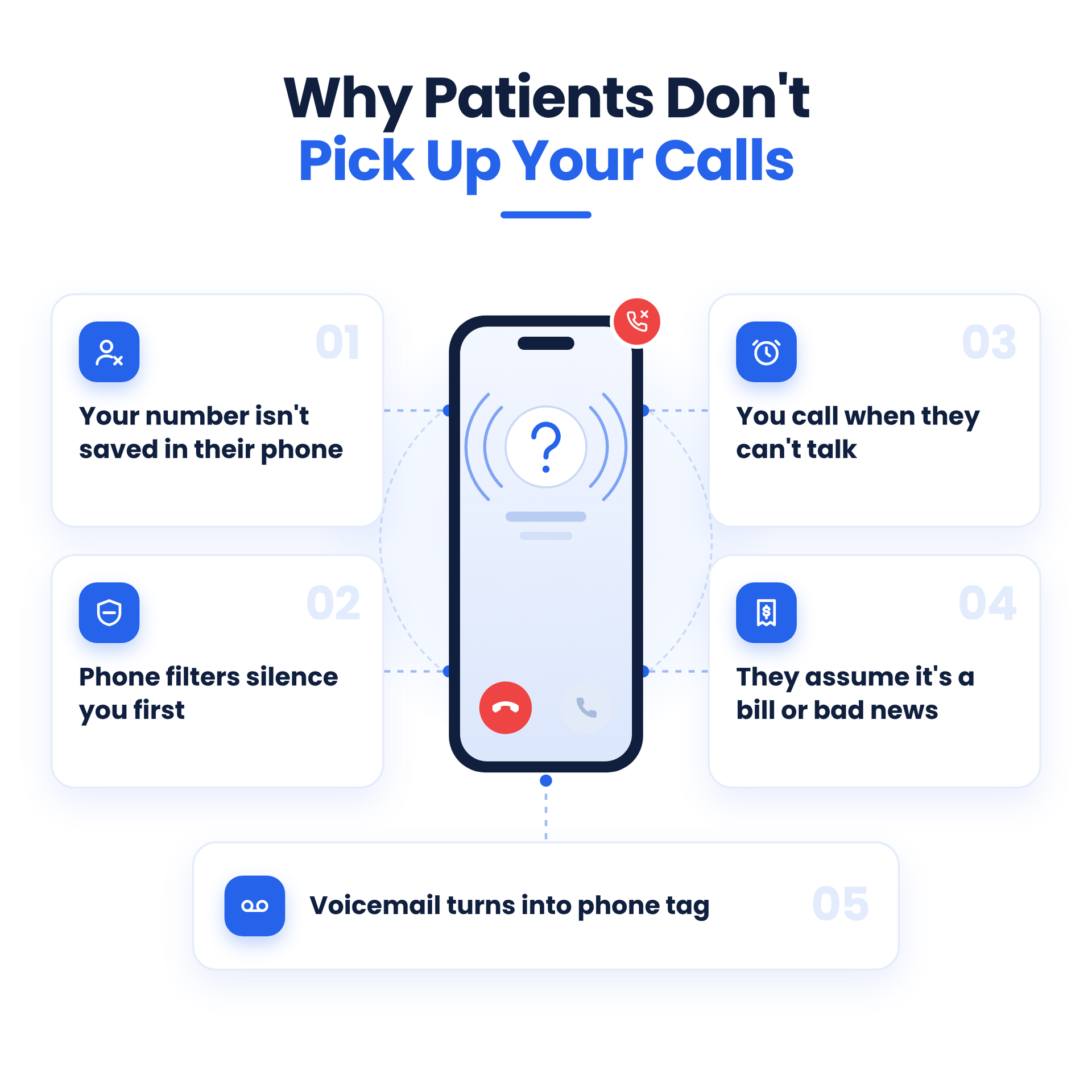
1. Your number isn't saved in their phone
A practice line rarely sits in a patient's contacts, so it looks like every other sales or scam call they skip.
2. Phone filters silence you first
Carrier spam labels and the iPhone's Silence Unknown Callers setting send unsaved numbers to voicemail. Given the volume, that's no surprise: YouMail estimated U.S. consumers got just over 4.35 billion robocalls in July 2026 (ConsumerAffairs).
3. You call when they can't talk
Practice hours overlap with work, commutes, and school pickup.
4. They assume it's a bill or bad news
A call from a medical practice can feel stressful, so patients put it off until they feel ready.
5. Voicemail turns into phone tag
Patients rarely check voicemail, and their callbacks often land when the front desk is busiest.
What Unanswered Calls Cost Your Practice

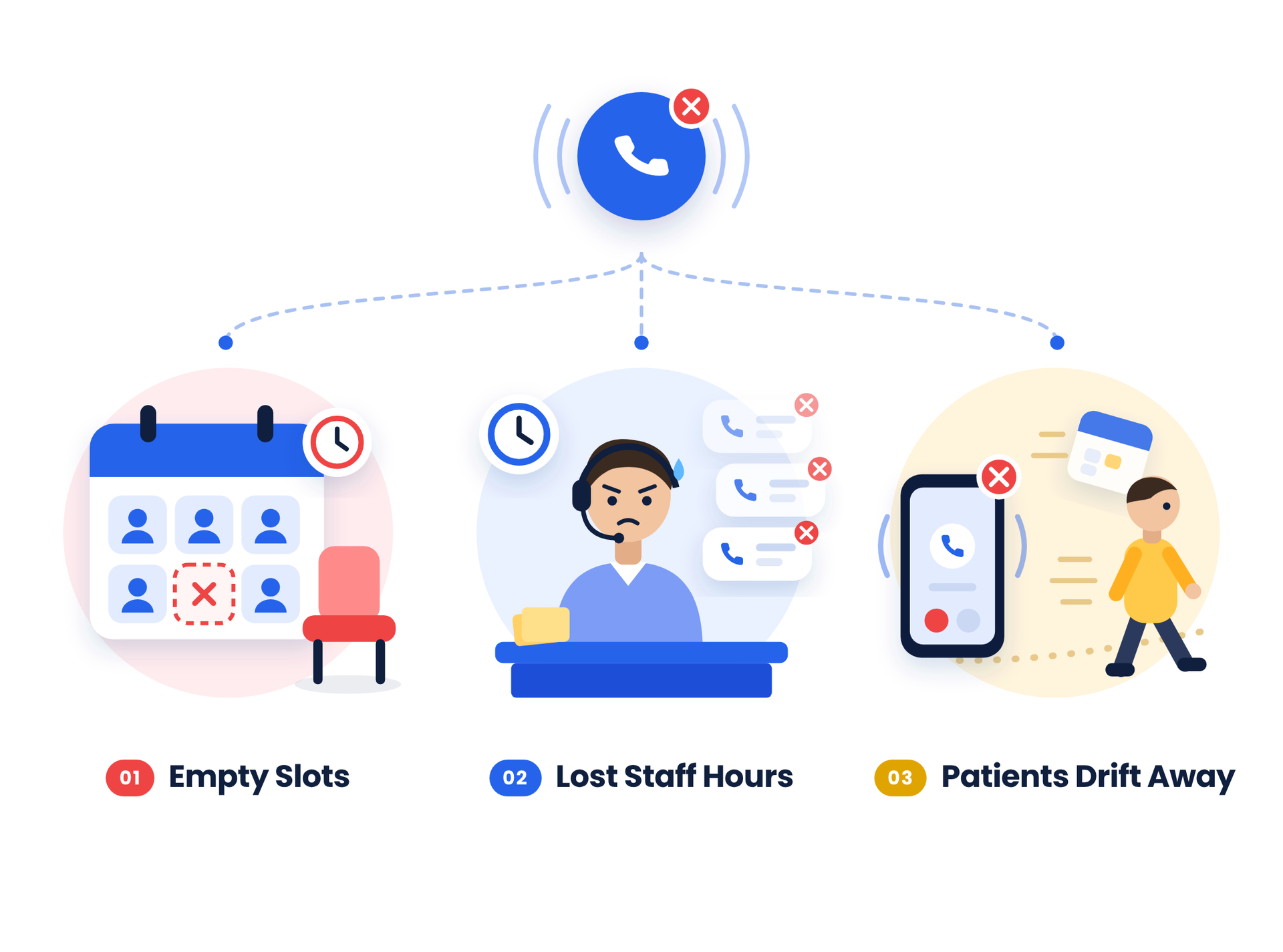
- Empty slots. Unconfirmed appointments are the likeliest no-call, no-shows, and it's usually too late to refill them.
- Lost staff hours. Redialing and returning calls pulls staff away from patients at the desk.
- Patients who drift away. When recall calls go unanswered, overdue patients slip off the schedule.
What happens if a patient doesn't confirm? The slot stays booked, and if the patient doesn't show, that time is usually lost. Here's more on cutting patient no-shows.
How SimpleChime Texting Fixes It
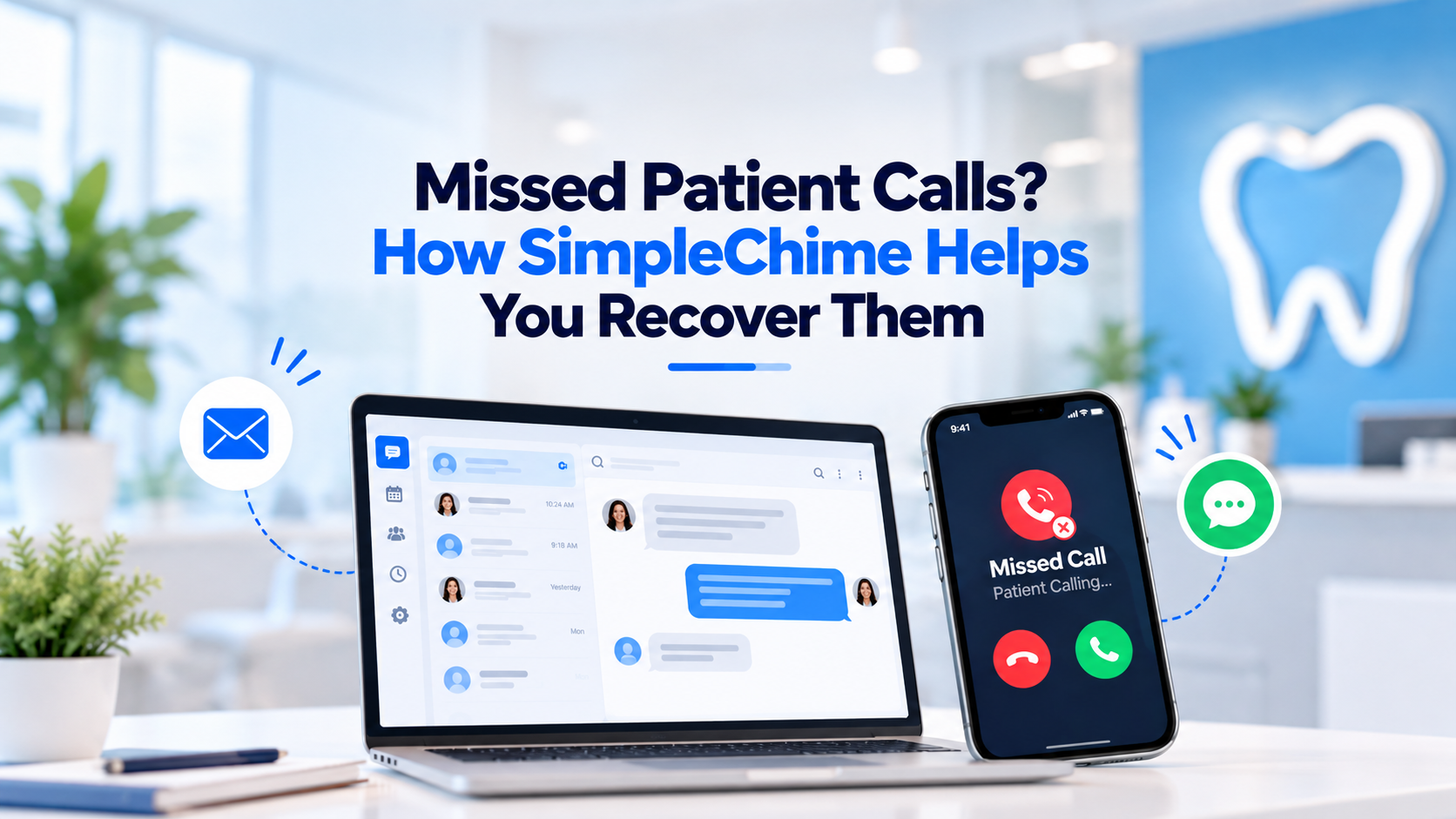
When patients won't pick up, meet them where they already respond: their text inbox. SimpleChime's patient texting software covers the conversations that used to need a call.
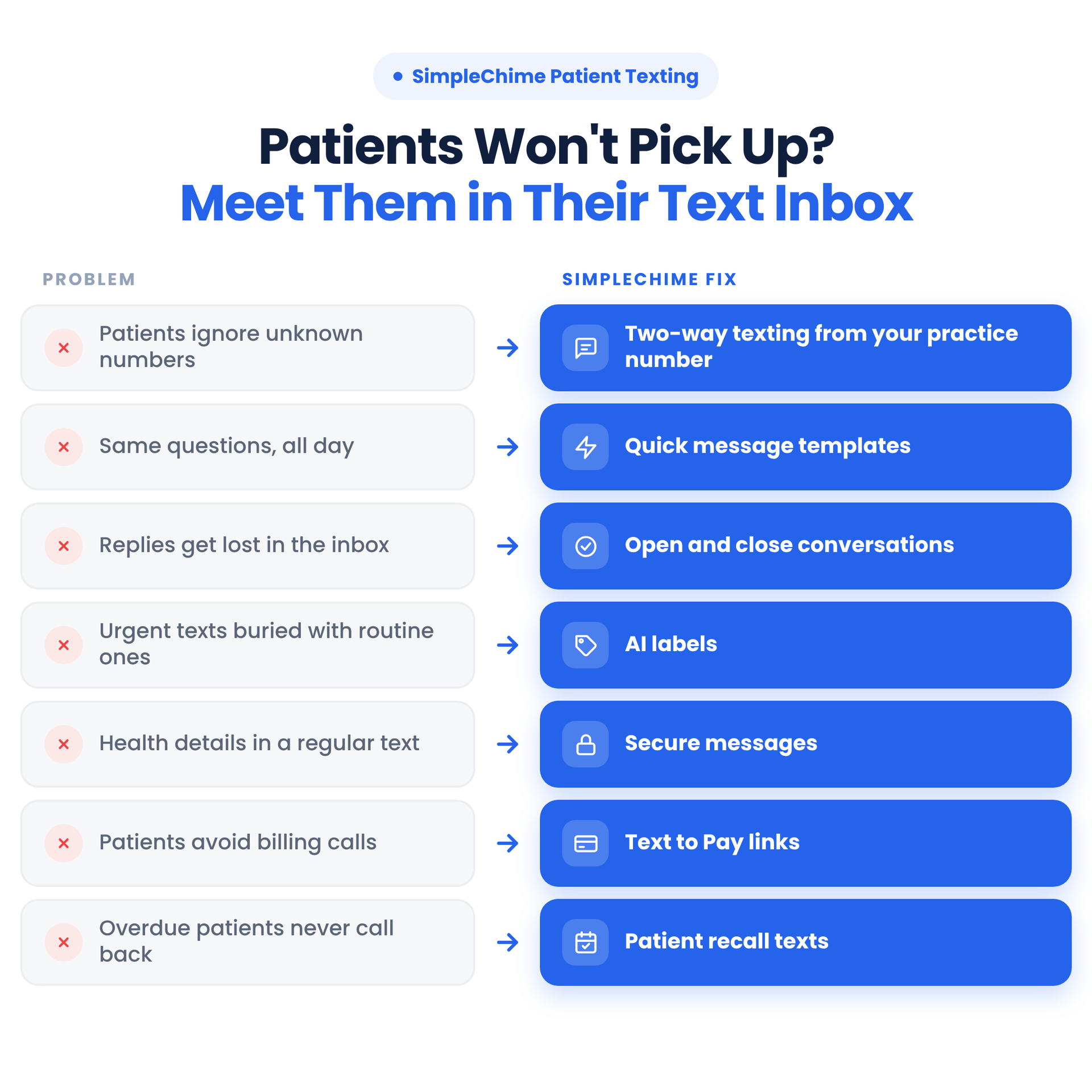
1. Two-way texting patients actually answer
Patients text your practice number, and staff reply from a shared inbox. For teams comparing mental health two-way texting software, this matters, since many patients find a text easier than a call.
2. Quick messages for faster replies
Saved replies send directions, prep instructions, and practice hours in one click.
3. Open and close conversations so nothing slips
Open threads show your team which patients are still waiting on a reply.
4. AI labels sort messages for you
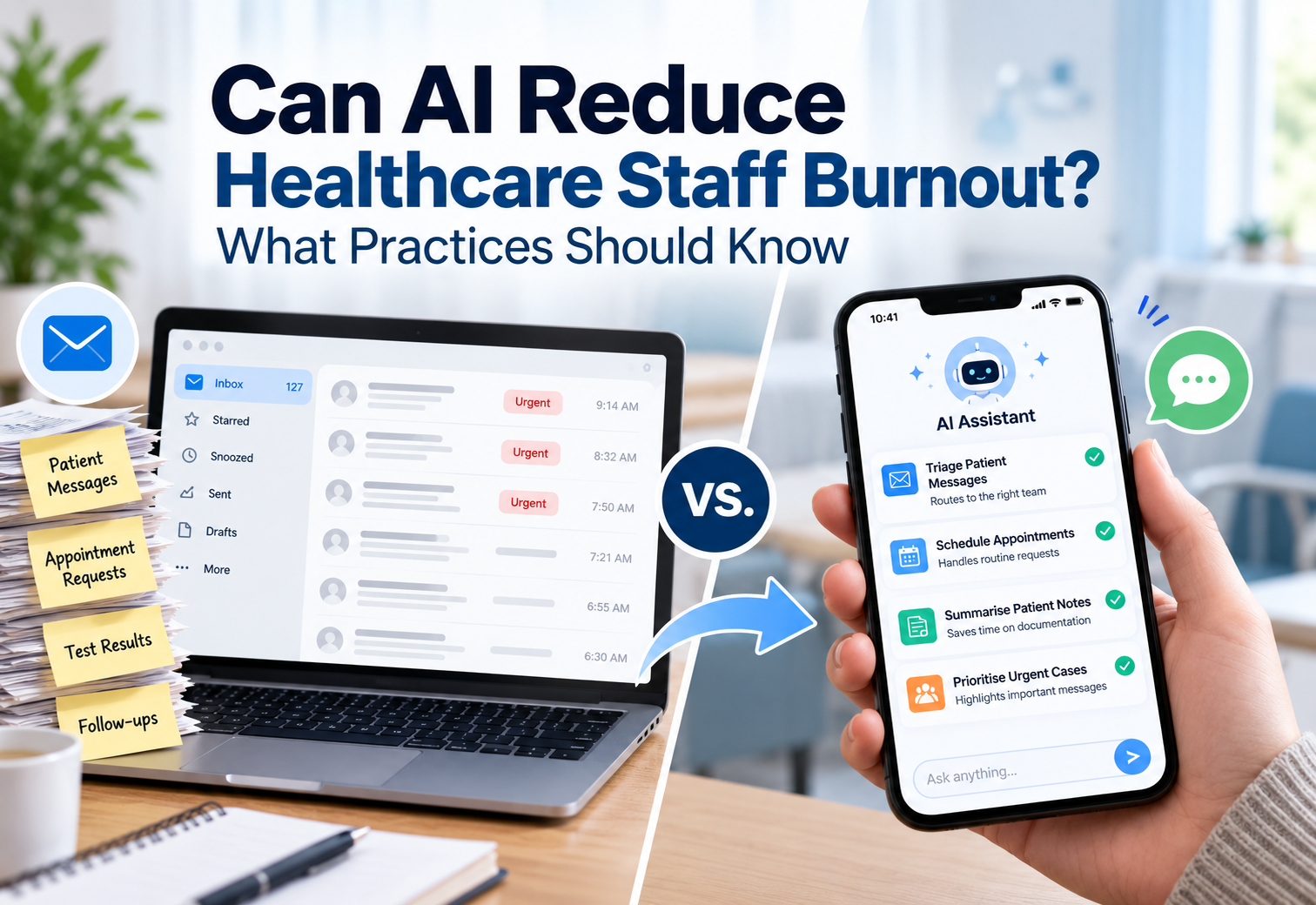
AI labels tag reschedules, billing questions, and urgent requests so the right messages get handled first.
5. Secure messages for sensitive information
Switch to a secure message when a conversation includes health details.
6. Share images and documents by text
Patients send insurance cards and forms. Your practice sends intake forms and prep instructions.
7. Payment links patients can pay from their phone
Text to Pay replaces the billing calls patients avoid.
8. Patient recall that doesn't depend on calls
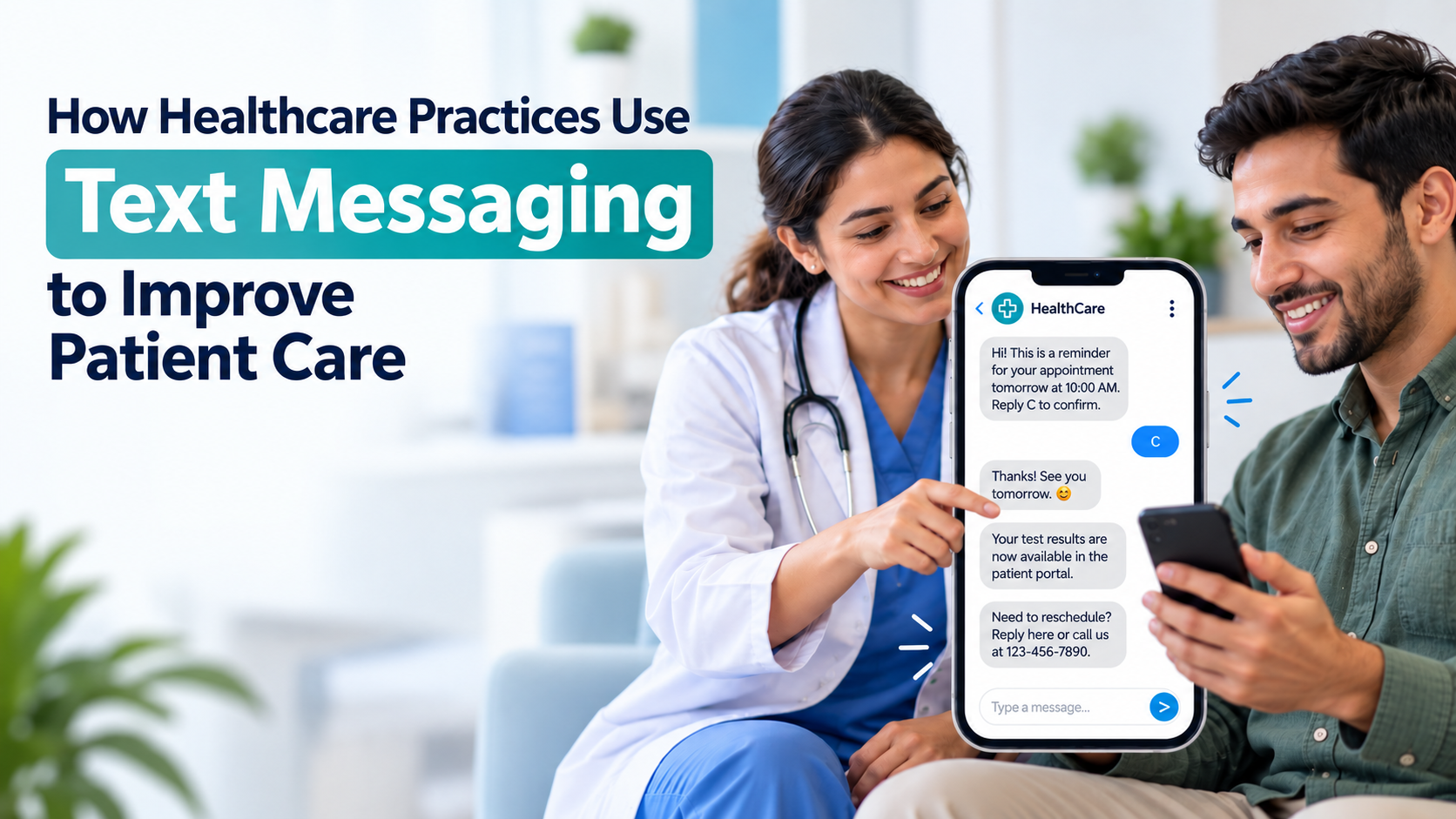
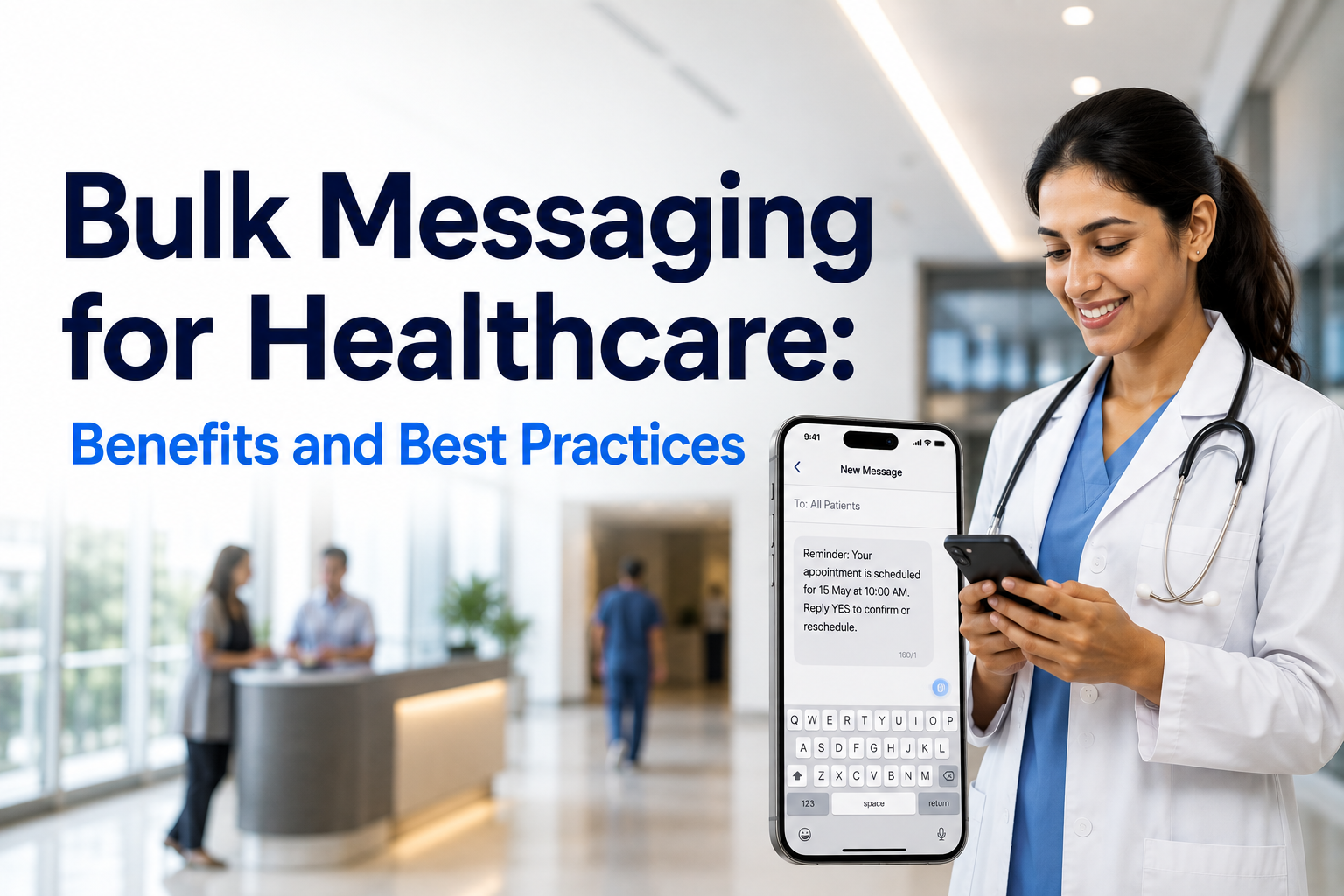
Recall texts reach patients who are due for a visit. Paired with confirmations, it's a simple way to reduce no shows with appointment reminders patients actually read.

See how SimpleChime texting works for your practice →
Best Practices for Texting Patients
A few habits keep medical text messaging helpful instead of intrusive.
- Get opt-in first, and make opting out easy.
- Keep routine texts short. Leave health details out.
- Use secure messages for anything sensitive. That's where HIPAA-compliant texting matters.
- Name your practice in every text so patients know who's writing.
- Respect preferences for a call or email instead.
Conclusion
Patients aren't avoiding care. They're avoiding unknown numbers, bad timing, and voicemail. Move routine confirmations, reminders, recalls, and payments to text, and keep phone time for the conversations that need a real voice. Your schedule fills, your team stops chasing, and patients get answers on their terms.
Frequently Asked Questions
Why don't patients answer calls from their medical practice?
Most patients skip calls from unsaved numbers, and carrier spam filters often label or silence practice calls. Many also can't talk during work hours.
Is it safe to text patients?
Yes, for routine details like appointment times and payment links, once patients opt in. Anything with health information should go through secure patient messaging.
What happens if a patient doesn't confirm an appointment?
The slot usually stays booked, and a no-show means lost time. A two-way appointment reminder text lets patients confirm or reschedule with one reply.
Can patients pay their bill by text?
Yes. Text to Pay sends a secure payment link by SMS, and patients pay from their phone without a billing call.
Make Patient Communication Easier
Connect with patients through texting, scheduling, and phone all in one place.