After-Hours Call Handling for Medical Practices: 7 Steps

October 29, 2026

Share this article

Patients don't stop needing their care team at 5 p.m. A parent calls about a fever at 9 p.m. Someone wants to reschedule tomorrow's visit after their shift ends. A new patient finally has time to book on a Sunday afternoon.


How a practice handles after-hours patient calls decides what happens next. The patient gets an answer, gets sent to the right place, or gets a voicemail and a long wait. This guide covers the options practices use, how they compare, and a simple setup that keeps urgent calls safe and routine calls moving.


What is the best way to handle after-hours patient calls?

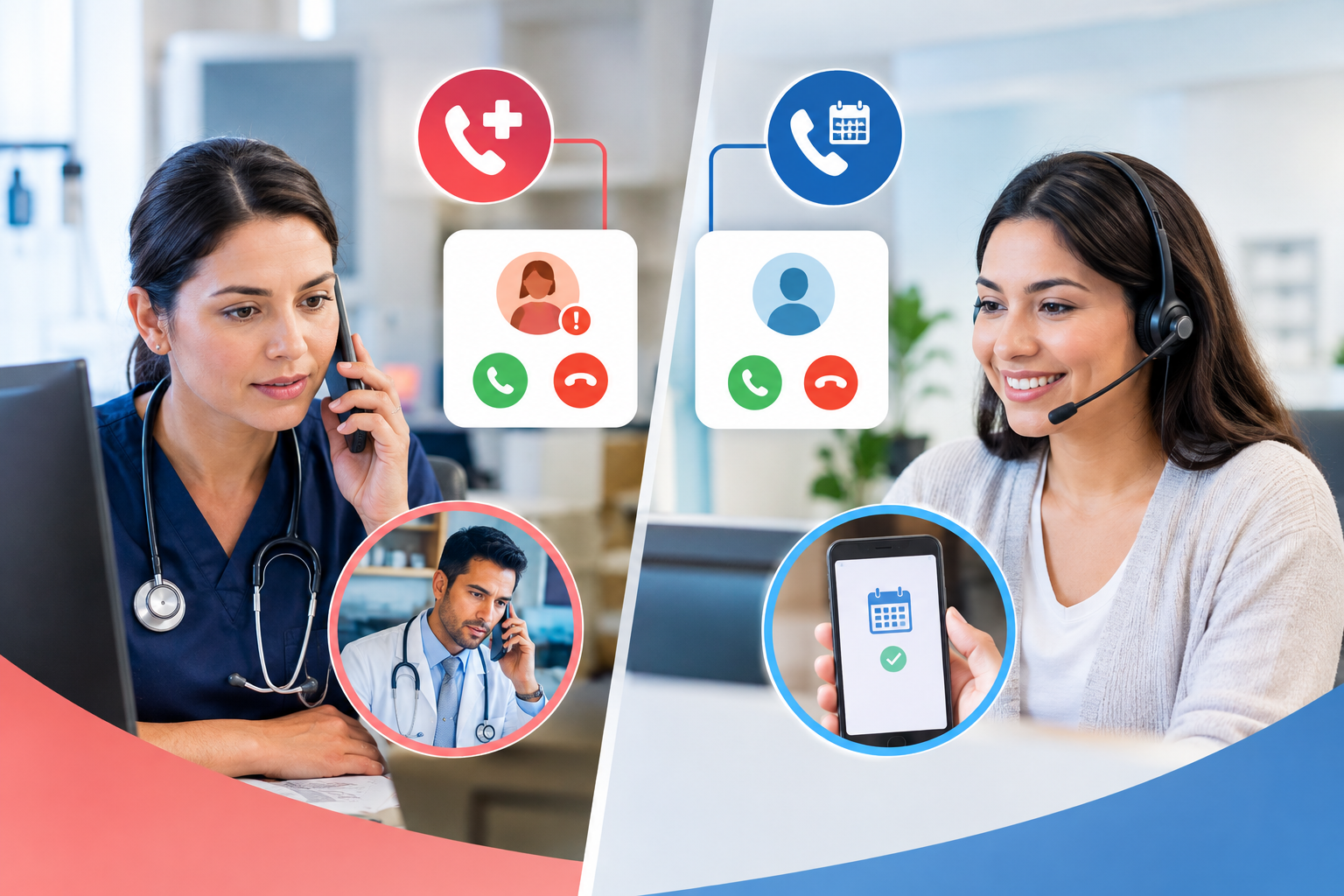
The best approach separates calls into two groups and handles each one differently:


  1. Urgent clinical calls go to a clinician, either an on-call provider or a nurse triage line, with clear 911 and 988 instructions at the start of every greeting.
  2. Routine calls (scheduling, rescheduling, cancellations, hours, directions, insurance questions) get resolved on the spot by an automated system or answering service, so they don't pile up for the morning.


Most problems come from treating every call the same way. When everything goes to voicemail, urgent calls wait. When everything goes to the on-call provider, they spend the night answering questions about parking.


Why after-hours calls matter more than most practices think


After-hours access is a known gap in US primary care. A Commonwealth Fund analysis found that only 45% of US primary care physicians reported having after-hours arrangements for patients to be seen without going to the emergency room, the lowest share among 11 high-income countries (Commonwealth Fund, 2022).


That gap has real consequences. In a CDC survey, 11.8% of adults aged 18 to 64 who visited an emergency room said the main reason for their most recent visit was that their doctor's practice or clinic wasn't open (CDC/NCHS, 2016).


Missed after-hours calls also create work for the next morning:


  • A voicemail backlog that front desk staff have to clear before the phones even open
  • Callbacks to patients who may have already booked somewhere else
  • Open slots that went unfilled because nobody could reschedule a cancellation overnight


Common ways to answer patient calls after hours

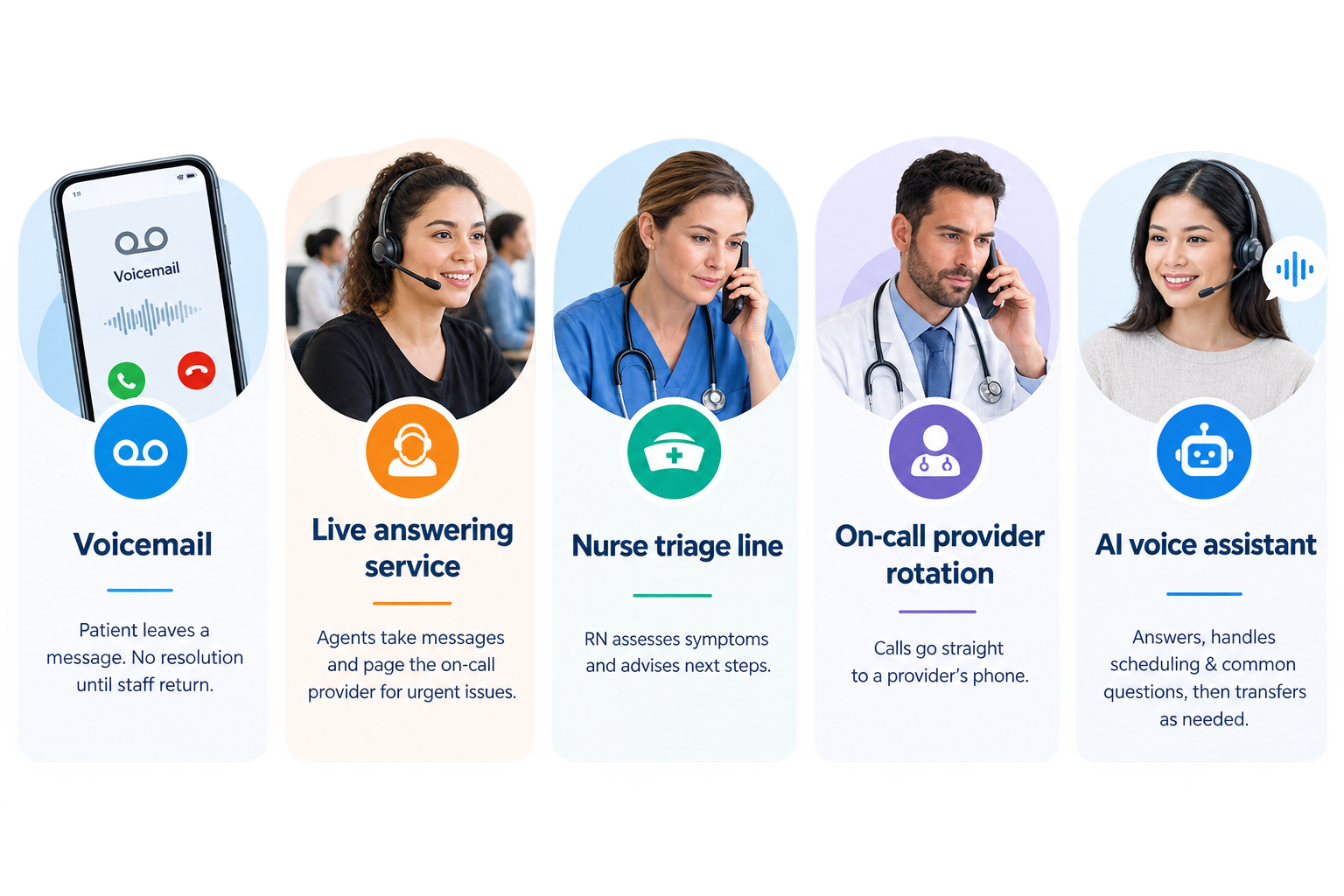
There are five main models. Many practices combine two or three of them.


Voicemail


The patient hears a recorded greeting and leaves a message. It costs nothing, but nothing gets resolved until staff return. Voicemail works only as a backstop, never as the main plan.


Live answering service


A third-party call center answers with a script, takes messages, and pages the on-call provider for urgent issues. Operators are usually not clinicians, so they follow the escalation rules you give them rather than assess symptoms themselves.


Nurse triage line


Registered nurses assess symptoms over the phone using standardized protocols and advise patients on next steps: home care, an appointment, urgent care, or the ER. This is the strongest option for clinical calls and the most expensive per call.


On-call provider rotation


Calls forward straight to a provider's phone. Patients reach someone with clinical judgment, but providers also field every routine request, which adds to after-hours workload.


AI voice assistant


An AI receptionist answers every call, handles scheduling and common questions directly, and transfers anything outside its scope. It's built to clear routine call volume, not to give medical advice.


After-hours call options compared

Option Resolves routine requests Handles clinical questions Typical cost model Main limitation
Voicemail No No Included with phone system Everything waits until morning
Live answering service Takes messages Escalates only Per call or per minute Messages still need follow-up
Nurse triage line Rarely Yes Per call or monthly contract Higher cost per call
On-call provider Yes, if they take it Yes Provider time Burnout from routine calls
AI voice assistant Yes, books in real time Transfers out Monthly fee plus minutes Not for clinical triage

The strongest setups pair a clinical path (nurse line or on-call provider) with a routine path (AI or answering service), so each call lands with the right resource.


How to build a better after-hours call process


1. Write a clear after-hours greeting


The first few seconds matter most. Every after-hours greeting should include:


  • "If this is a medical emergency, hang up and call 911."
  • For behavioral health and therapy practices: "If you're in crisis, call or text 988 to reach the 988 Suicide & Crisis Lifeline."
  • How to reach the on-call provider or nurse line for urgent concerns
  • What routine requests the caller can complete right now


2. Define what counts as urgent


Give your answering service or call system a written list of symptoms and situations that trigger escalation. A dental practice's list (facial swelling, trauma, uncontrolled bleeding) looks very different from a pediatric or behavioral health practice's list. Have a clinician sign off on it and review it once a year.


3. Resolve routine calls instead of recording them


Most after-hours calls are not emergencies. Scheduling, rescheduling, cancellations, and questions about hours or insurance can be completed in the moment rather than turned into a message for the morning.


4. Reduce the number of calls that need to happen


Some patients would rather not call at all. Giving them other ways in lowers after-hours call volume:


  • Online scheduling lets patients book or reschedule any time from your website.
  • Two-way texting gives patients a channel they can use at night that staff can answer in the morning.
  • Missed-call text-back sends an automatic text when a call goes unanswered, so the patient has a next step instead of a dead end.


Phone, text, and online booking work best together. Each one catches patients the others miss.


5. Own the morning handoff


Decide who reviews overnight messages, call logs, and bookings first thing each day, and how fast they respond. The  American Academy of Pediatrics recommends that after-hours encounters be reviewed promptly by a physician or registered nurse and that practices keep written after-hours policies.


6. Check HIPAA compliance for every vendor


Any answering service, call center, or software vendor that handles patient information on your behalf is a business associate under HIPAA. The AAP states plainly that an after-hours answering service "must be HIPAA compliant and sign a Business Associate Agreement." Get the BAA before you forward a single call.


7. Track a few simple numbers


You can't improve what you don't measure. Useful metrics include:


  • After-hours call volume by day and hour
  • Share of calls resolved without staff follow-up
  • Appointments booked after hours
  • Voicemail and callback backlog each morning
  • Time to first response on urgent escalations


How hospitals handle after-hours calls differently


Hospitals and health systems usually run centralized nurse advice lines, transfer centers, and on-call physician schedules that cover many departments. Their challenge is routing at scale.


Independent practices and clinics face a different problem. They rarely have the staff for 24/7 phone coverage, so they need a setup that covers clinical escalation without paying for overnight staff to answer routine requests. The steps above are built for that situation.


How SimpleChime's AI Voice Assistant handles after-hours calls


For routine after-hours calls, SimpleChime's AI Voice Assistant can run in After-Hours Receptionist mode: calls forward to the AI once your practice closes.


Here's what it handles during the call:


  • Verifies the patient against your EHR
  • Books new appointments using real-time EHR availability, with the appointment written back during the call
  • Reschedules or cancels existing appointments according to your practice policies
  • Answers common questions about hours, location, parking, accepted insurance, and the new patient process
  • Sends a text confirmation right after booking


Anything outside its scope is handed off with a warm transfer through your business phone system. That keeps clinical questions with your on-call team and routine requests off their plate.


The same assistant can also cover lunch breaks and busy hours (Overflow Defender mode) or every call (24/7 Digital Front Desk mode). It works alongside SimpleChime Phone, which includes missed-call text-back and voicemail transcription, and two-way text messaging, so patients who prefer texting have a channel too.


Conclusion


Better after-hours care doesn't require staffing your practice overnight. Split urgent calls from routine ones, give each a clear path, and give patients ways to get things done without calling at all. The result is safer handling of urgent concerns, fewer missed appointments, and a front desk that starts the day caught up.


If routine calls are piling up after hours, see how SimpleChime's AI Voice Assistant can answer them for you.
Recent Posts

Missed Patient Calls
October 26, 2026
Missed patient calls cost you bookings. See how AI call answering, missed-call-to-text, and two-way texting help your practice win those patients back.
AI labels
October 7, 2026
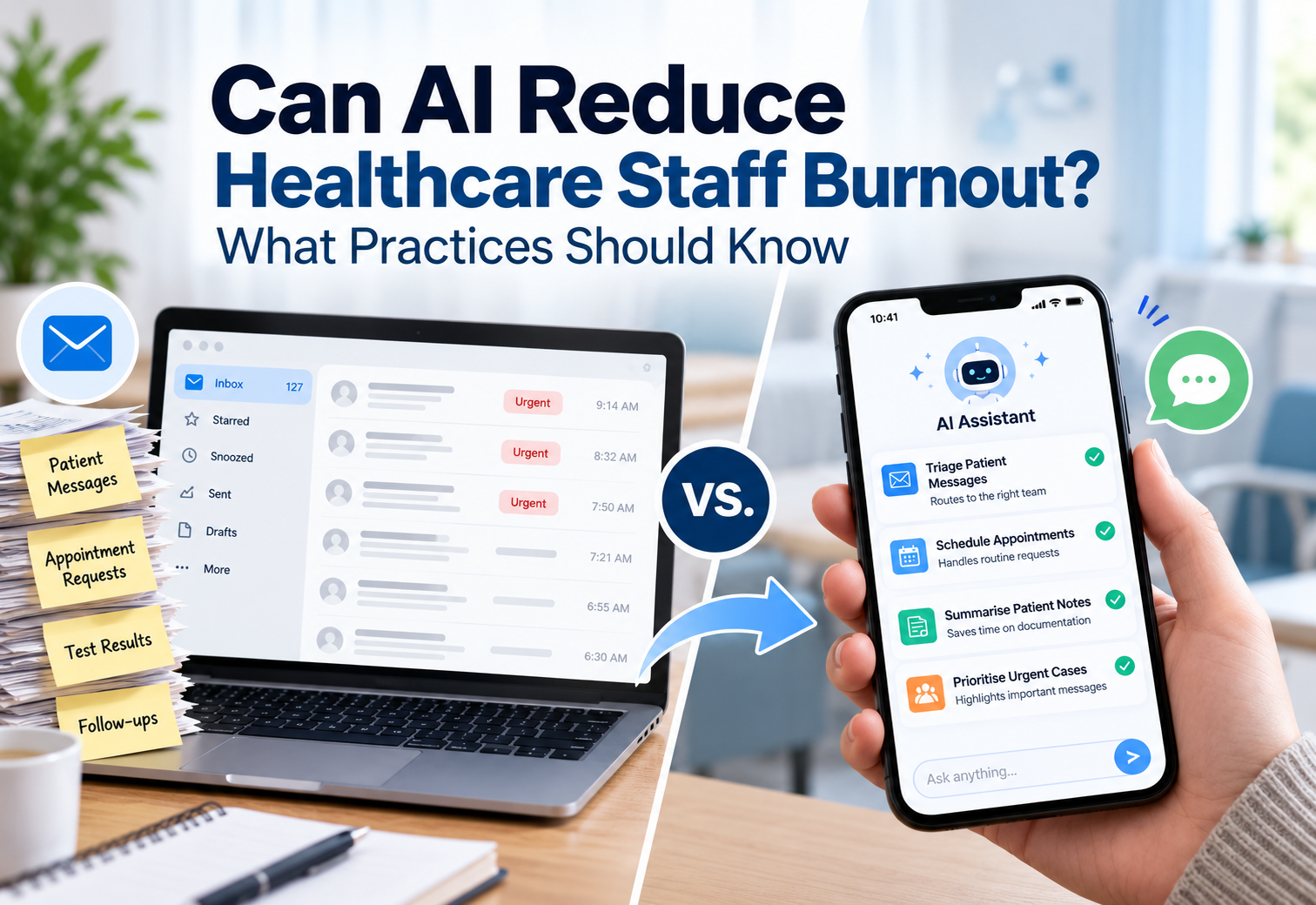
AI labels in healthcare tag patient messages by topic so your team can sort, filter, and route them faster. See how they work and how to set them up.
patient experience
September 25, 2026
Patients want more than short wait times. See what the real patient experience looks like and how practices can improve it without more staff.
text messaging in healthcare
September 16, 2026
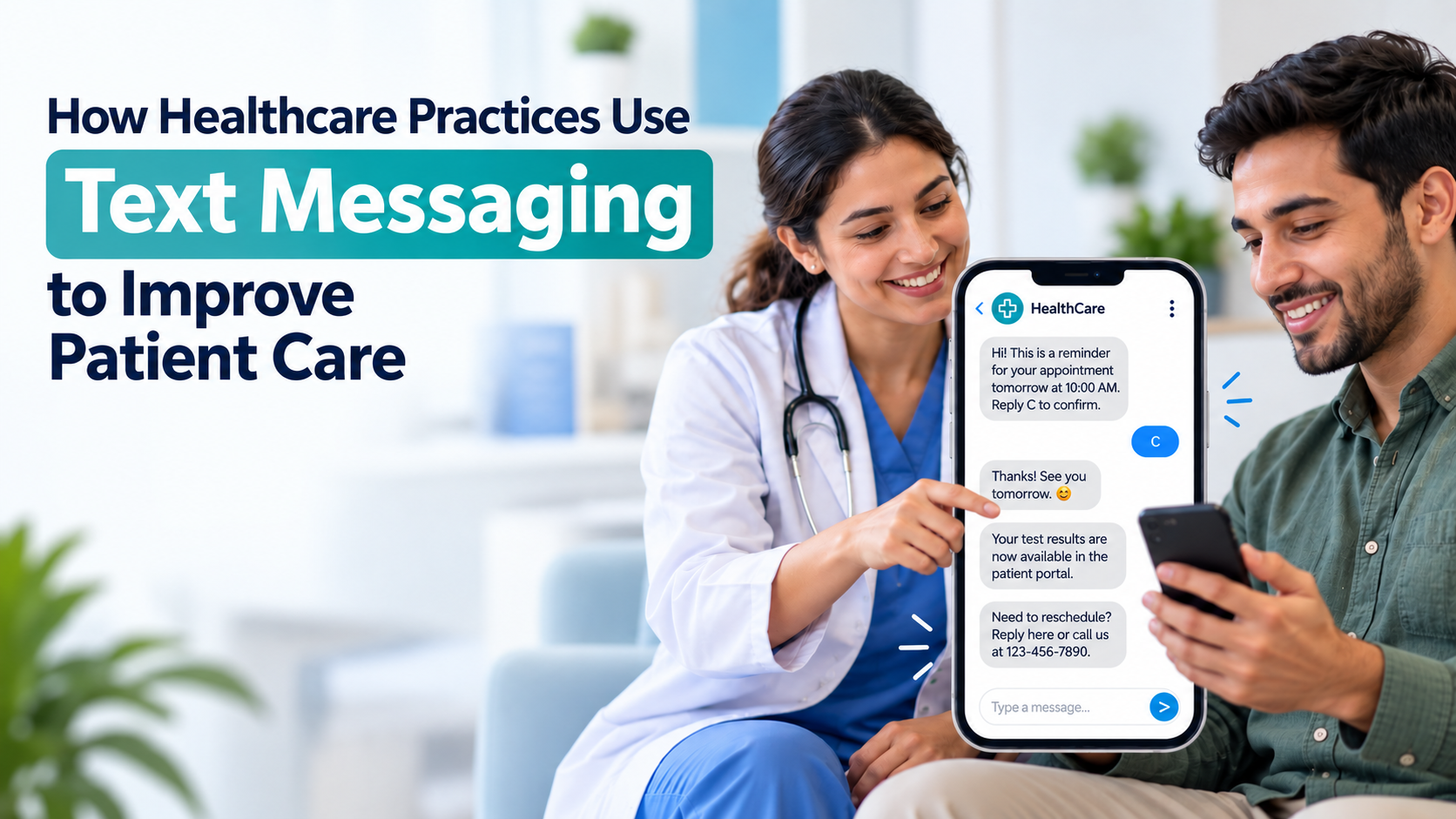
See how text messaging in healthcare is improving patient care, from faster responses to fewer missed appointments, and how practices are adopting it.
appointment reminder
September 8, 2026
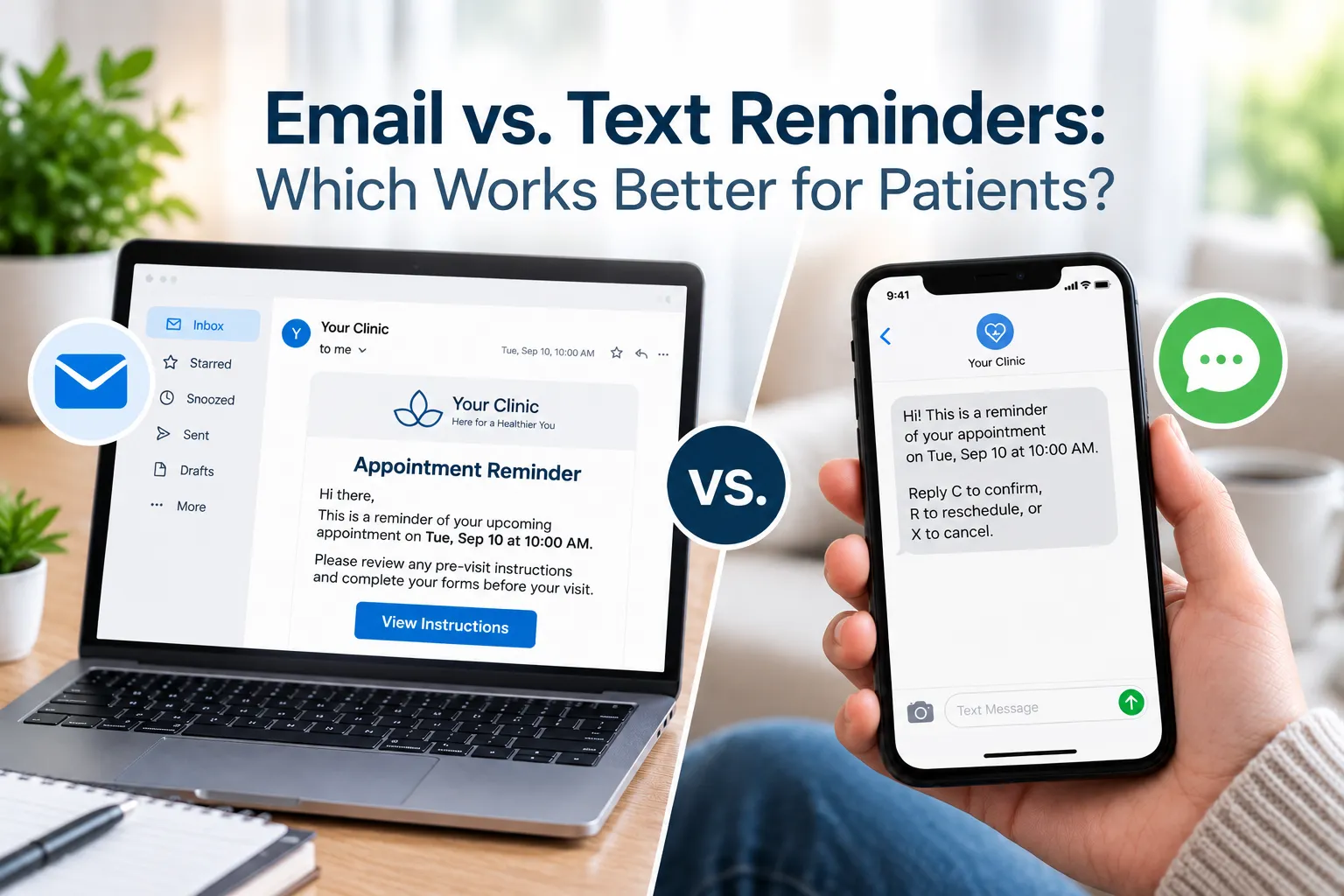
Compare appointment reminder text and email for open rates, response speed, and no-show reduction, then see which channel fits each patient message
Appointment reminder software
August 28, 2026
Explore appointment reminder software, how automated reminders work, and how practices can save staff time and reduce patient no-shows.
August 26, 2026
Learn how bulk text messaging cuts no-shows and phone calls for medical practices, plus what to look for in HIPAA-compliant software.
 Patient Scheduling Software
August 17, 2026
Find the best patient scheduling software for your practice. Compare pricing, features, and EHR sync across 8 top healthcare scheduling software options.
patient-centered communication
August 7, 2026
See what patient-centered communication looks like across patient care, from provider conversations to everyday messaging, and how it builds trust with patients.
Patient self-scheduling software
August 6, 2026
Discover the benefits of patient self-scheduling software, healthcare scheduling software, and patient appointment scheduling software for modern medical practices.
Show More