Appointment Reminder Text vs. Email: Which Works Better
Every practice sends appointment reminders somehow. The real question is which channel actually gets a patient to show up, and whether the answer is even the same for every message you send. Text and email both have a place in a patient communication strategy, but they do different jobs. For the basics on how automated reminders work in general, see our guide to appointment reminder systems. Here, we're looking at one specific decision: text or email, and when each one wins.
How Text Reminders Perform

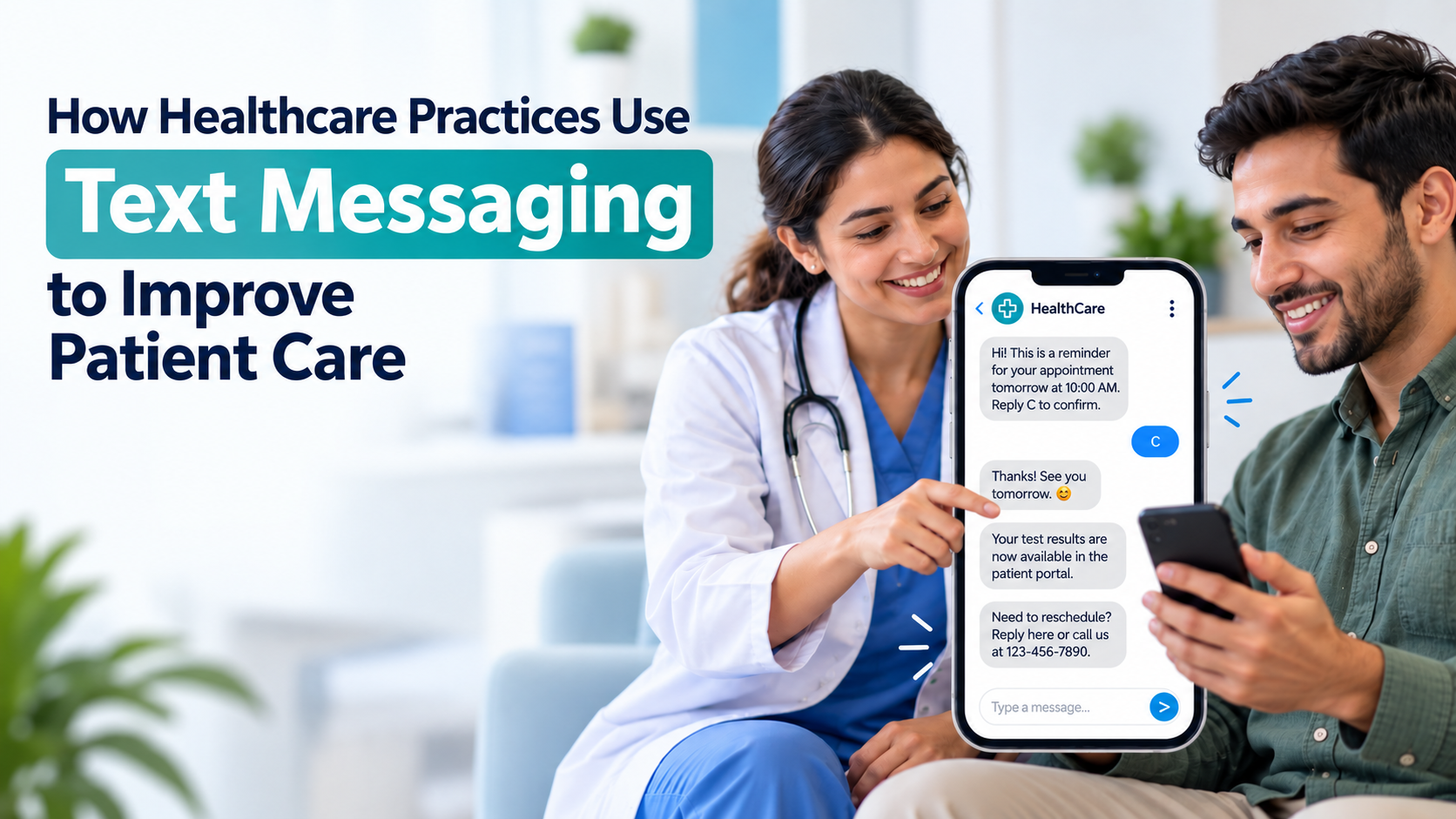
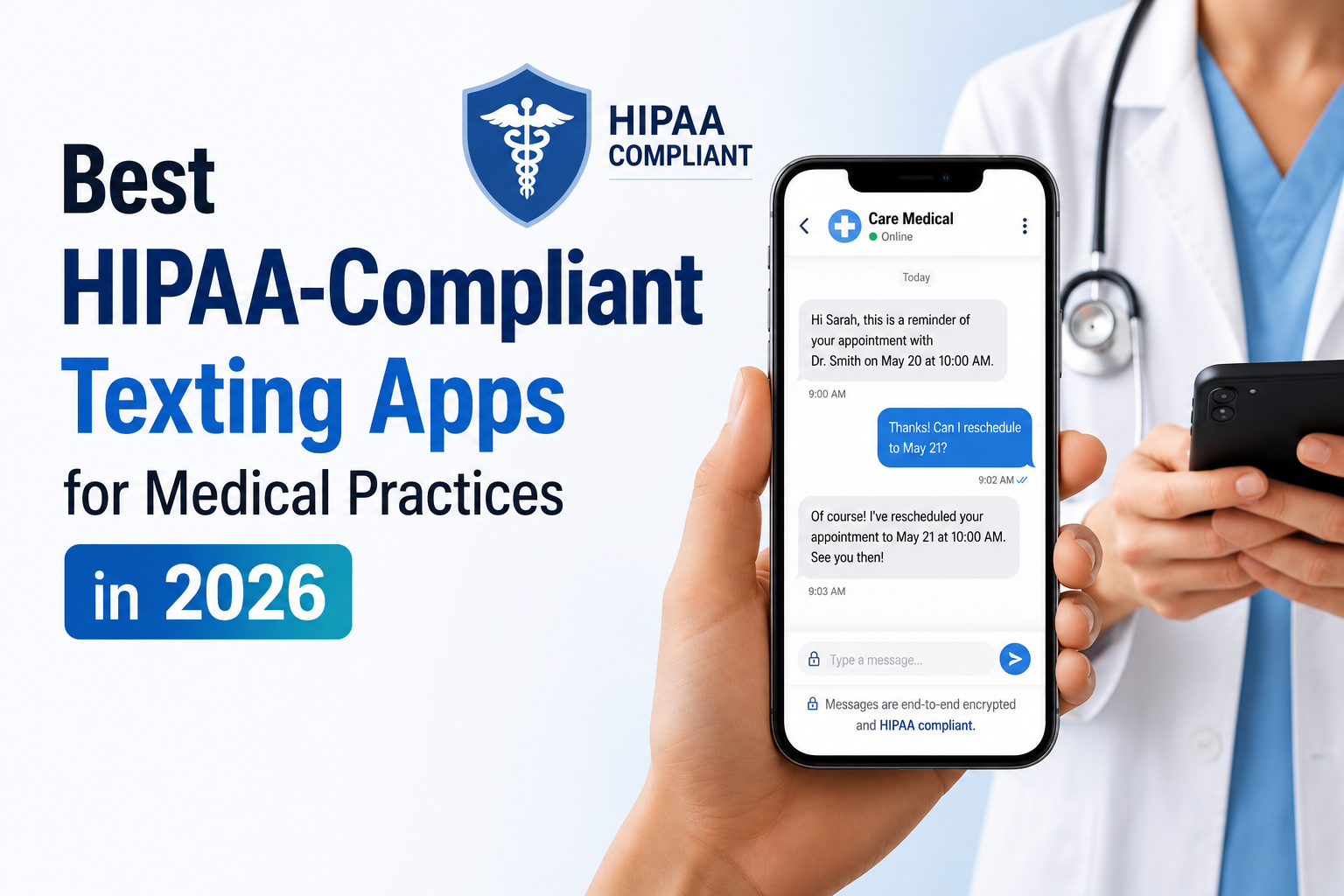
Text reminders get seen fast. Industry research consistently puts SMS open rates around 98 percent, and most people glance at a new text within minutes of it arriving. That speed is a big part of why text has become the default reminder channel for so many practices. A message read within minutes has a real shot at prompting action before life gets in the way.
Several studies on reminder programs report meaningful drops in no-shows once text is added, generally landing somewhere around a third fewer missed visits. The exact figure varies by practice and patient population, but the direction holds up across the research. Text also asks very little of the patient. There's no attachment to open and no portal to log into. A quick reply confirms, reschedules, or cancels the visit, which is part of why it outperforms channels that require more effort.
How Email Reminders Perform

Email tells a different story. Typical open rates for appointment-related emails run lower than text, often somewhere between 20 and 35 percent depending on the subject line and how recognizable the sender is.
Where email earns its place is detail. Pre-visit instructions, insurance forms, portal links, and anything a patient might want to reference again all hold up better in an inbox than in a text thread that scrolls out of view within a day.
Email also reaches nearly everyone. Pew Research data shows more than 90 percent of U.S. adults use email, including more than three-quarters of patients 65 and older, a group that doesn't always engage with text at the same rate as younger patients.
The tradeoff is timing. A reminder sitting in an inbox waits until someone checks it, which makes email a weak fit for anything urgent or last-minute.
Text vs. Email at a Glance
| Factor | Text (SMS) | |
|---|---|---|
| Typical open rate | Around 98% | Roughly 20 to 35% |
| Time to read | Minutes | Hours, sometimes longer |
| Best for | Time-sensitive confirmations and day-before reminders | Detailed instructions, forms, and portal links |
| Patient reach | Needs a mobile number; strong across most age groups | Reaches nearly all adults; especially strong with patients 65 and older |
| Effort to respond | Low, a quick reply | Higher, often a click or login |
| Fits urgent changes | Yes | Not usually |
Which Channel Fits Which Message
The channel should match the message, not the other way around.
Short, time-bound reminders belong on text:
- A confirmation two to three days before a visit
- A day-before nudge
- Same-day updates about delays or openings
Longer or more detailed messages hold up better in an inbox:
- New patient intake forms
- Pre-procedure instructions
- Insurance verification requests
- Visit summaries a patient might want to save
Patient age plays a role too. Younger patients tend to engage with text first. Older patients are often just as likely, sometimes more likely, to open an email or pick up a phone call. If your patient population skews older, leaning on text alone may leave some patients out.
Why Many Practices Use Both
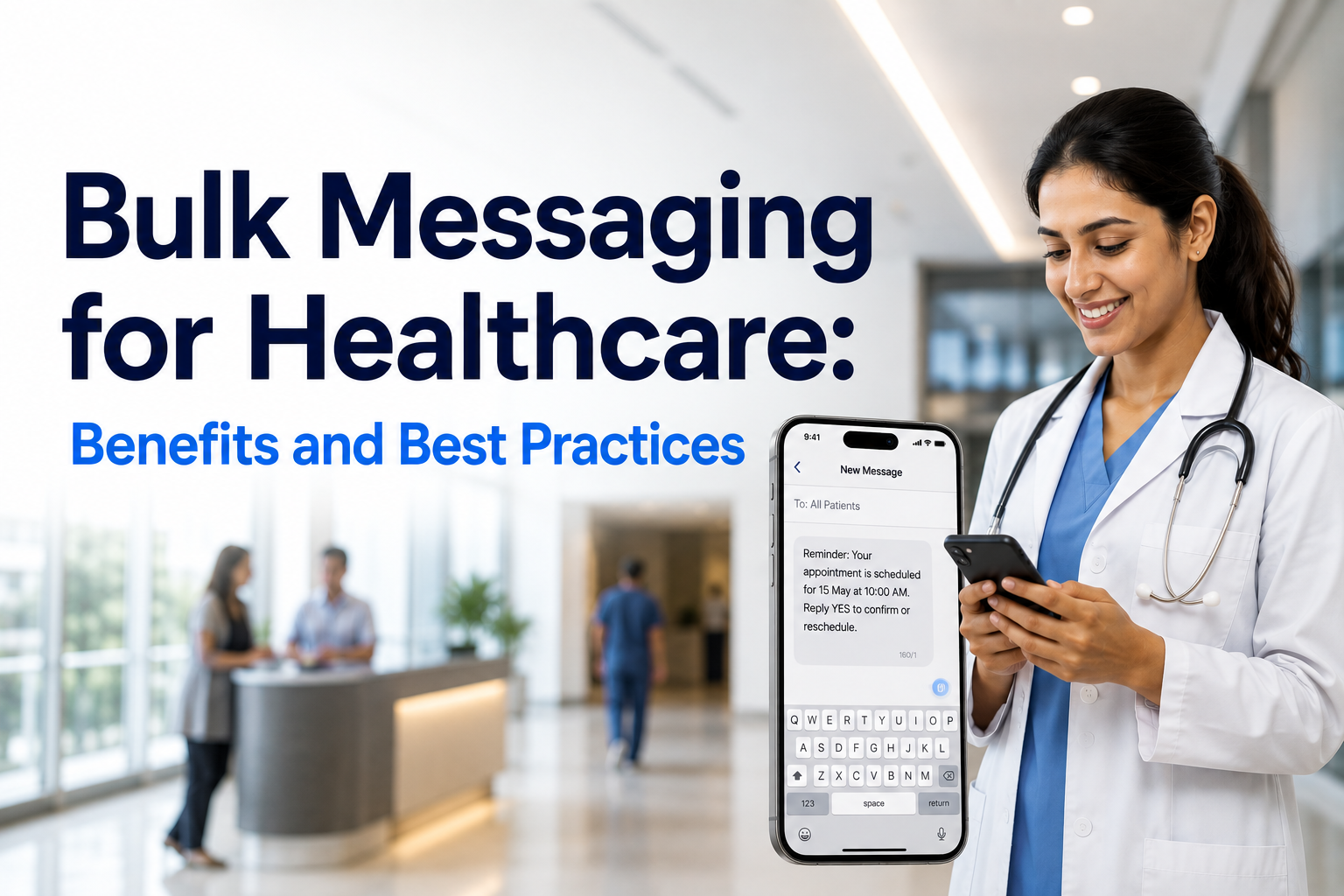
Research on reminder effectiveness generally agrees on one point: combining channels beats relying on a single one. A patient who misses a text might still catch an email. Sometimes it runs the other direction: an email goes unread, but a text gets answered right away.
This doesn't mean sending the same reminder twice. It means routing each message to the channel it fits best and letting patients confirm through whichever one they respond to. Practices that rely on only one channel often miss part of their patient base. Practices that use both tend to close more of that gap.
How SimpleChime Handles Both Channels
SimpleChime sends reminders by text and email from one connected platform, tied to the practice number and account patients already know. You're not logging into separate tools to manage two channels.
Automation handles the routine part, sending reminders on schedule and logging every response to the right patient record, so your team sees replies from either channel without hunting across systems.
Whichever channel a message goes out on, it needs to be HIPAA-compliant. Standard email and carrier SMS don't meet that bar on their own, which is why practices need a platform built for secure, compliant messaging.
Conclusion
There's no single winner between text and email reminders, because they aren't solving the same problem. Text moves fast and asks little of the patient, which makes it the right call for anything time-sensitive. Email carries detail and reaches patients who might not respond the same way to a text. The practices seeing the best results aren't picking a side. They're matching each channel to what it does well and letting the two work together.
Want reminders that go out by text and email without juggling two systems? Book a demo
to see how SimpleChime handles both.