Appointment Reminder System: Features, Benefits & More
Every practice has that patient who books a follow-up three weeks out, then just doesn't show. It's not usually intentional. Life gets in the way, and the appointment slips their mind. An appointment reminder system exists to catch that moment before it becomes an empty slot on your calendar.
What Is an Appointment Reminder System?

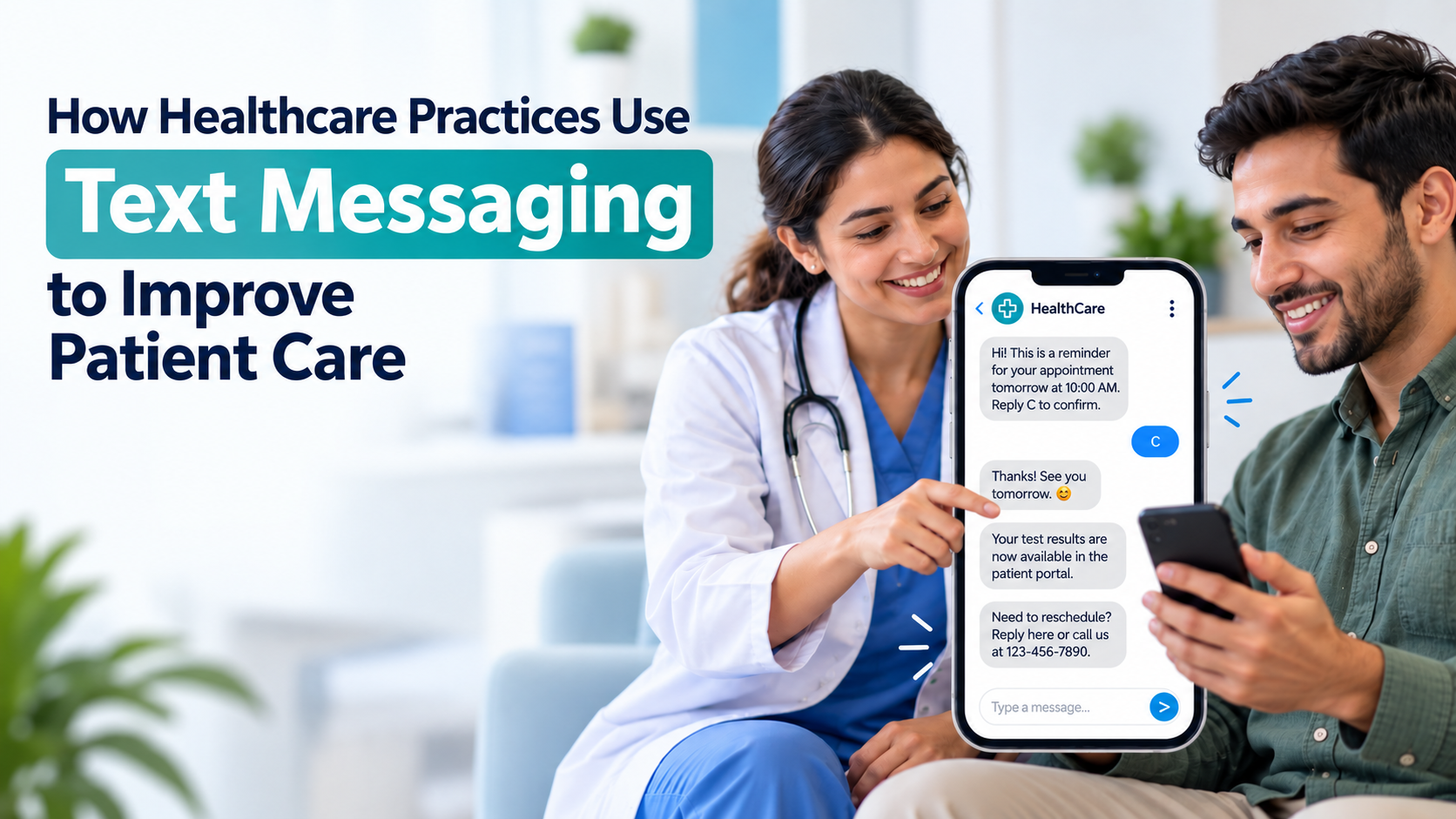
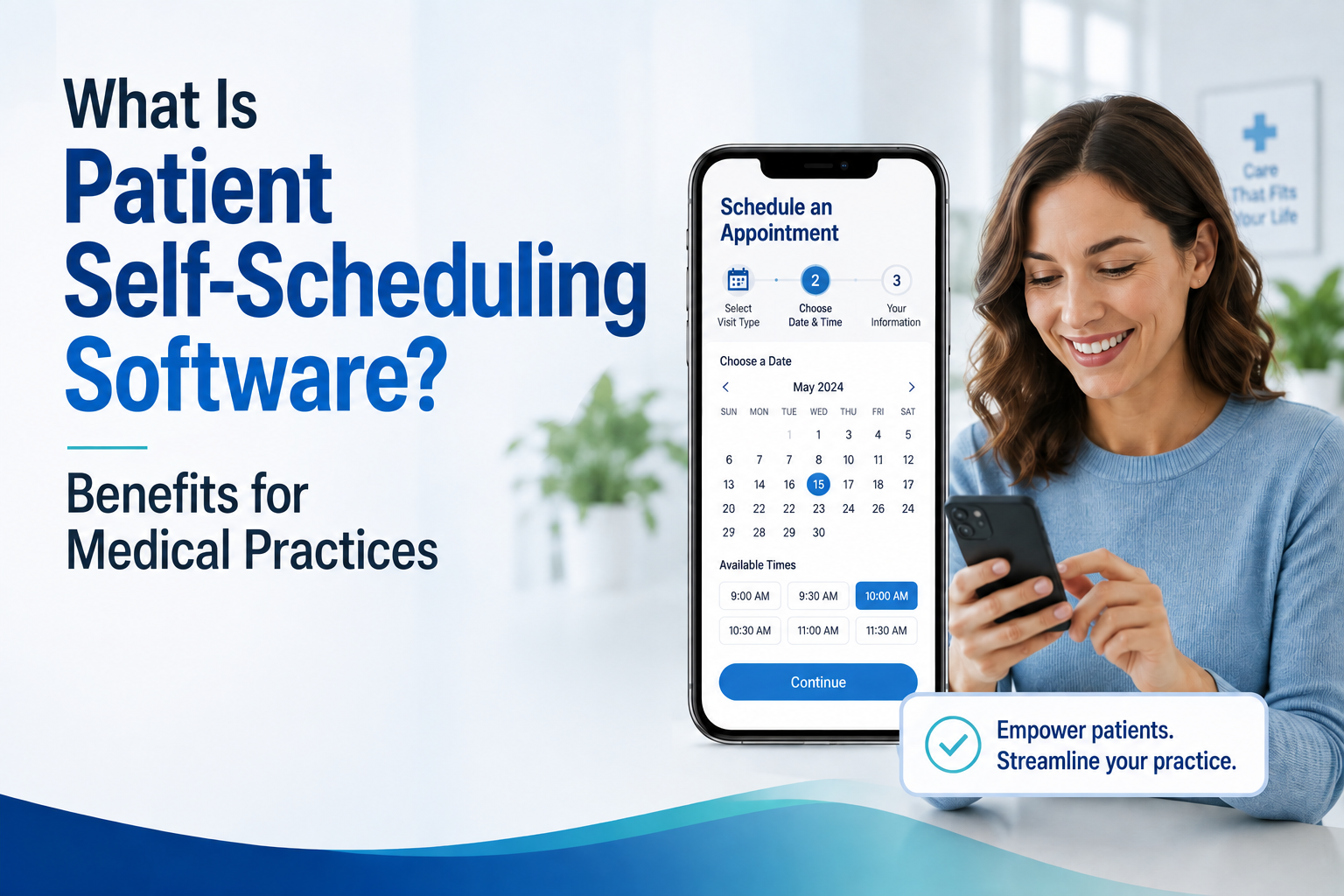
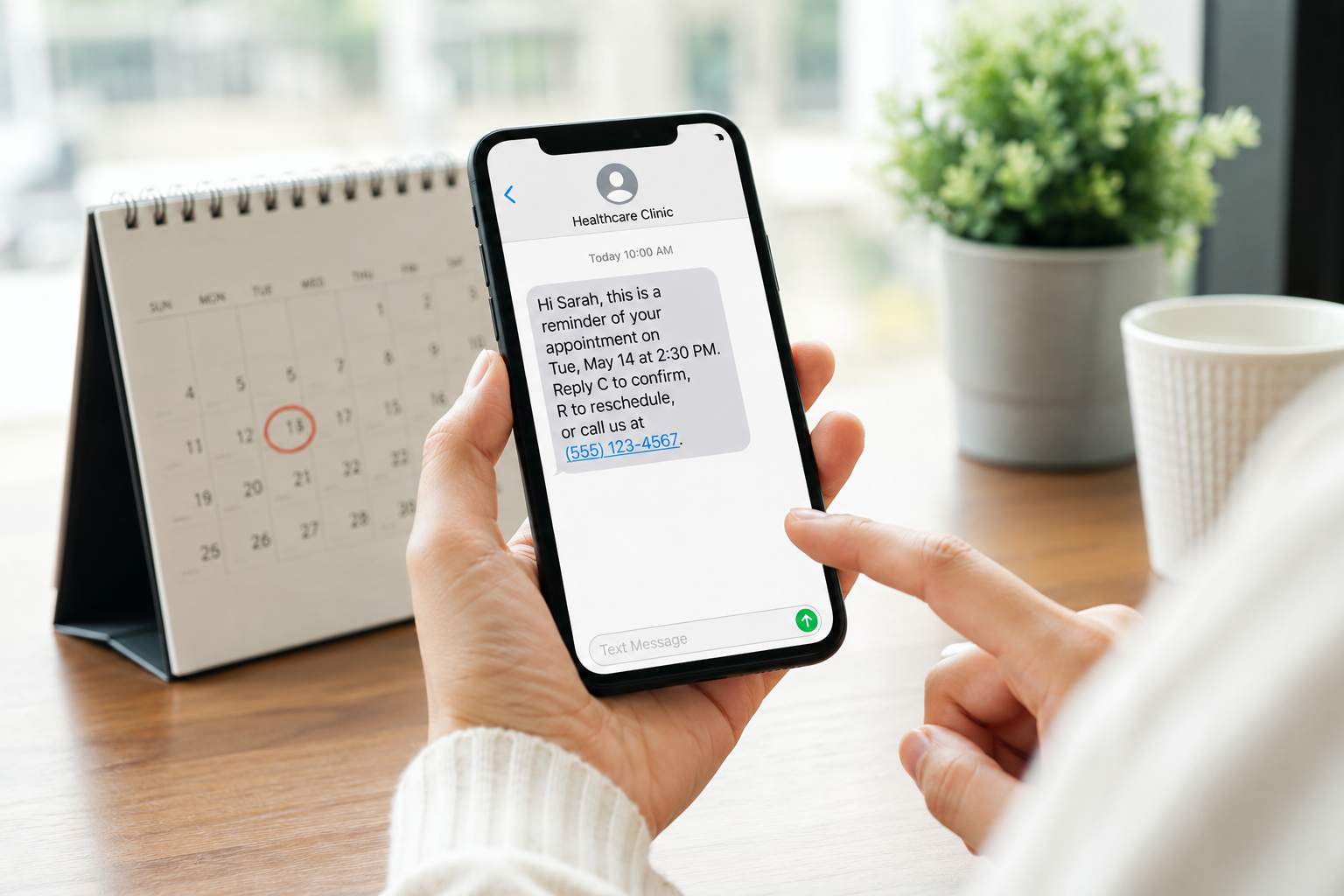
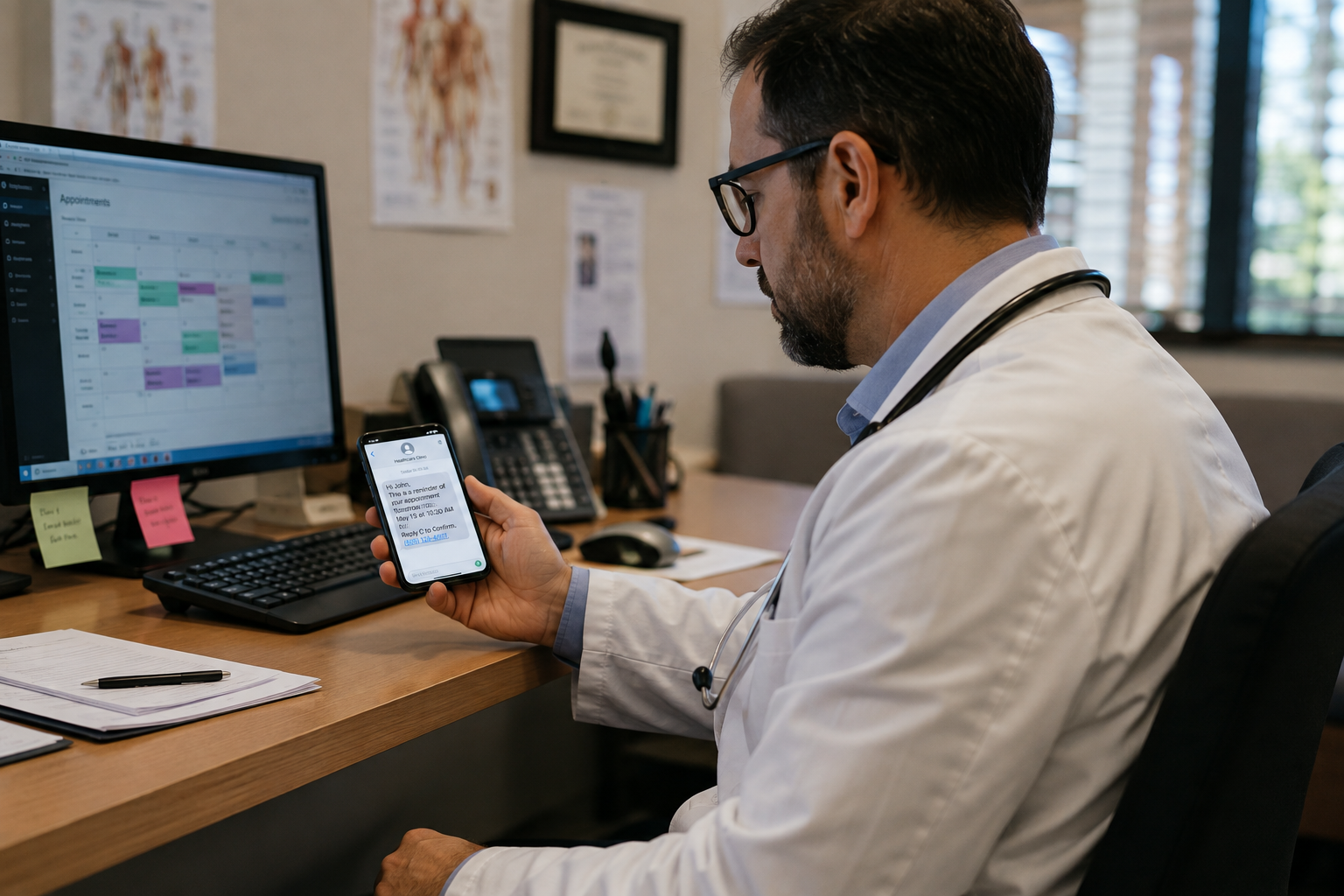
At its core, it's software that notifies patients about upcoming appointments through text, phone call, email, or app, without a staff member having to pick up the phone. The system pulls appointment details straight from your calendar or EHR and sends reminders on a schedule you set, usually something like a few days out, then again closer to the visit.
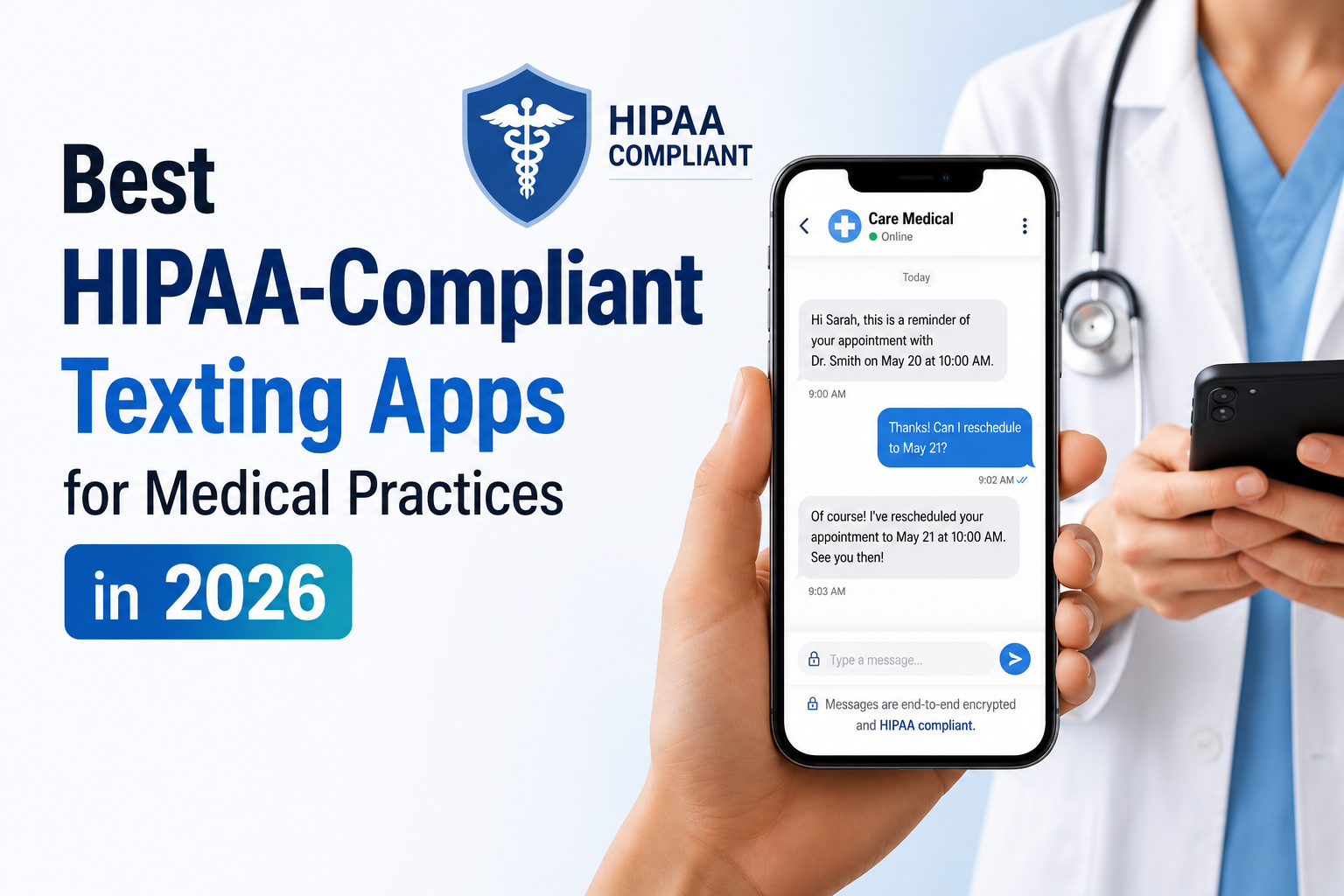
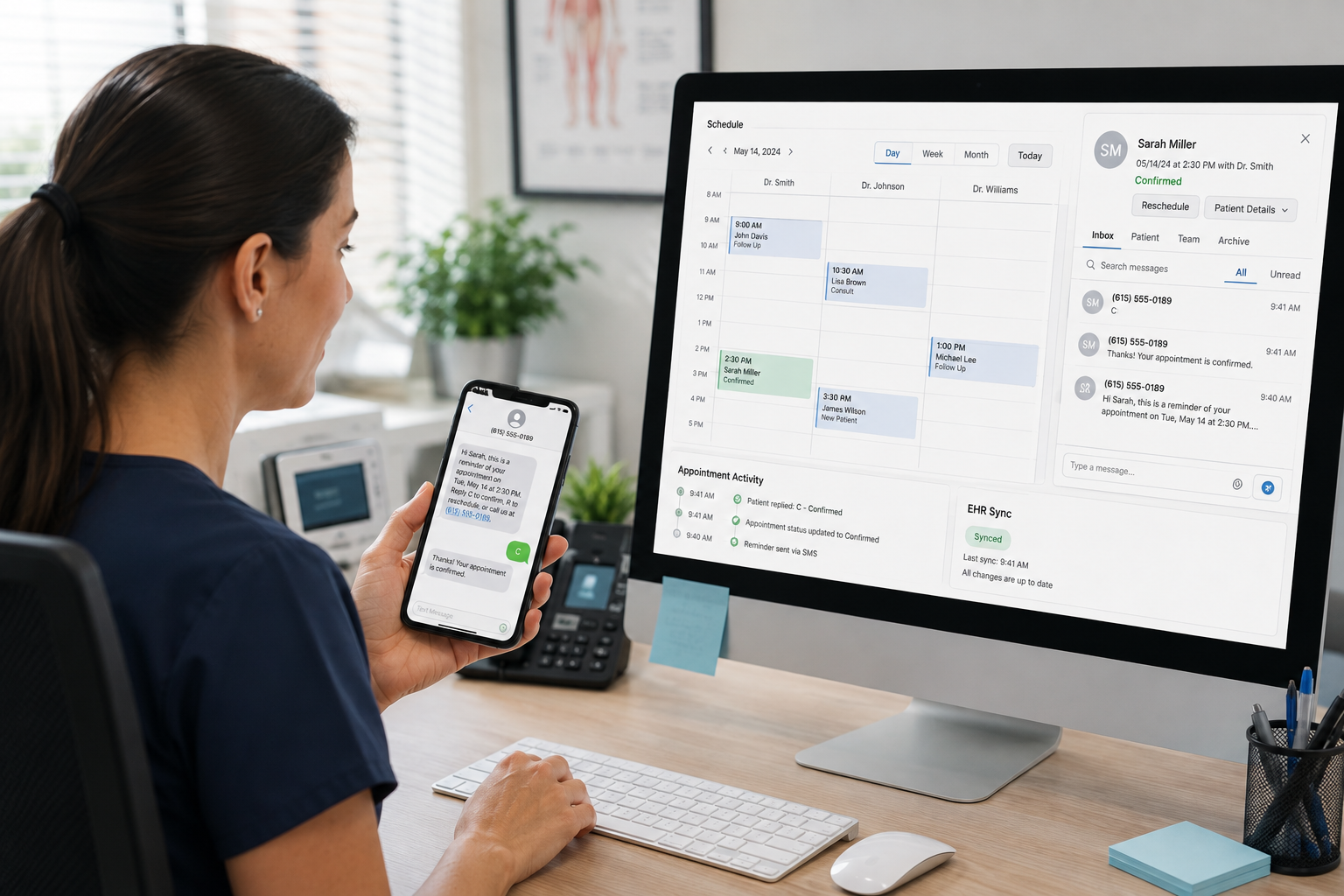
But a good one does more than just notify. Patients should be able to confirm, reschedule, or cancel right from the reminder itself.
The schedule should update on its own when they do. That's really the line between a system that helps and one that's just another text patients ignore.
How It Actually Works
The mechanics are pretty simple once it's set up:
- It connects to your schedule. Whatever holds your appointments, whether that's an EHR or practice management software, feeds the system live data.
- Reminders go out on a timeline. Often a confirmation two or three days before, then a shorter nudge the day before.
- Patients reply. A text back, a tap on a link, or a quick answer during a call.
- The schedule updates itself. No one on staff has to go back in and manually change anything.
A single day-before text is better than nothing, sure. But the practices seeing real results are the ones where a reply actually does something, instead of landing in a void.
The Formats Practices Use

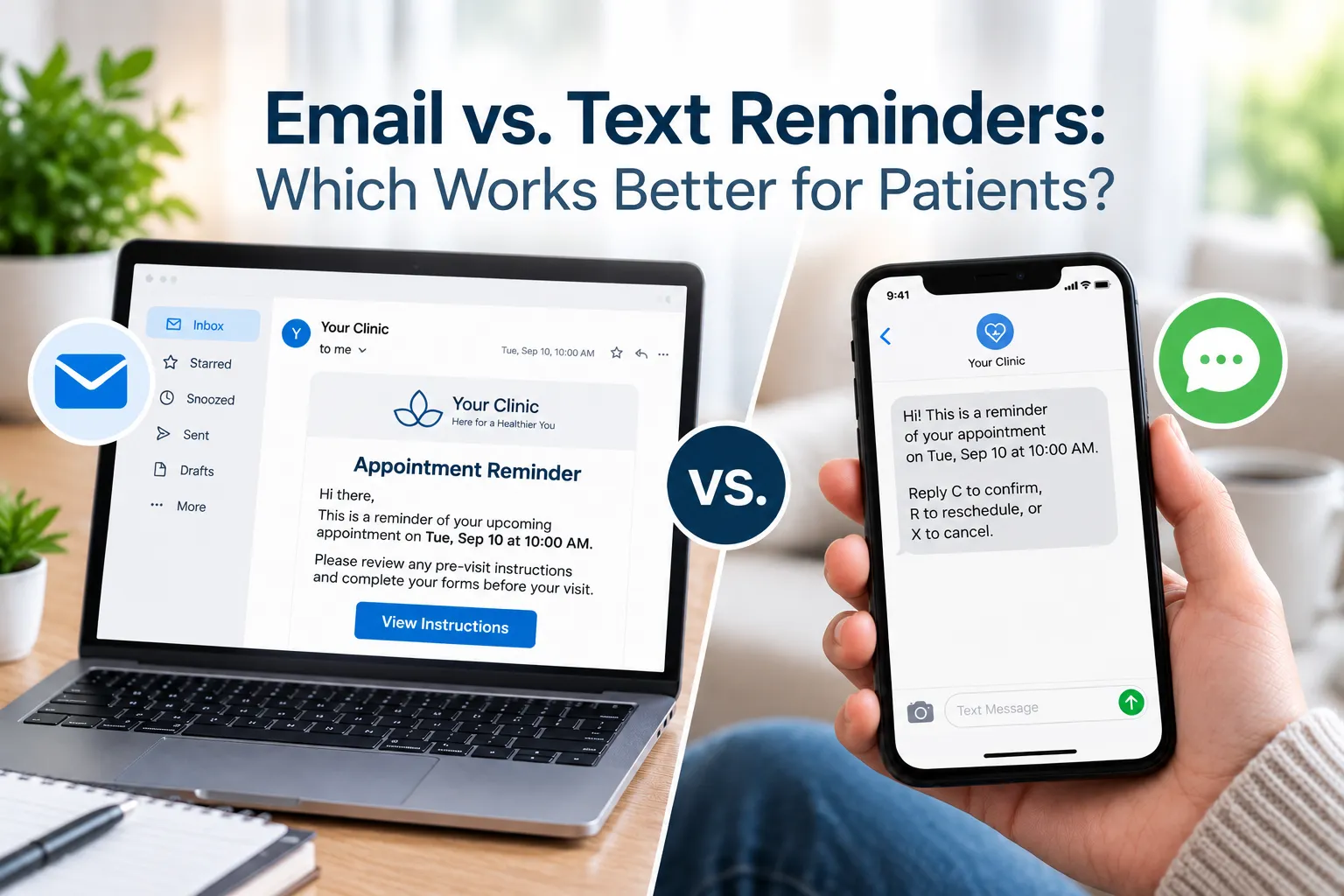
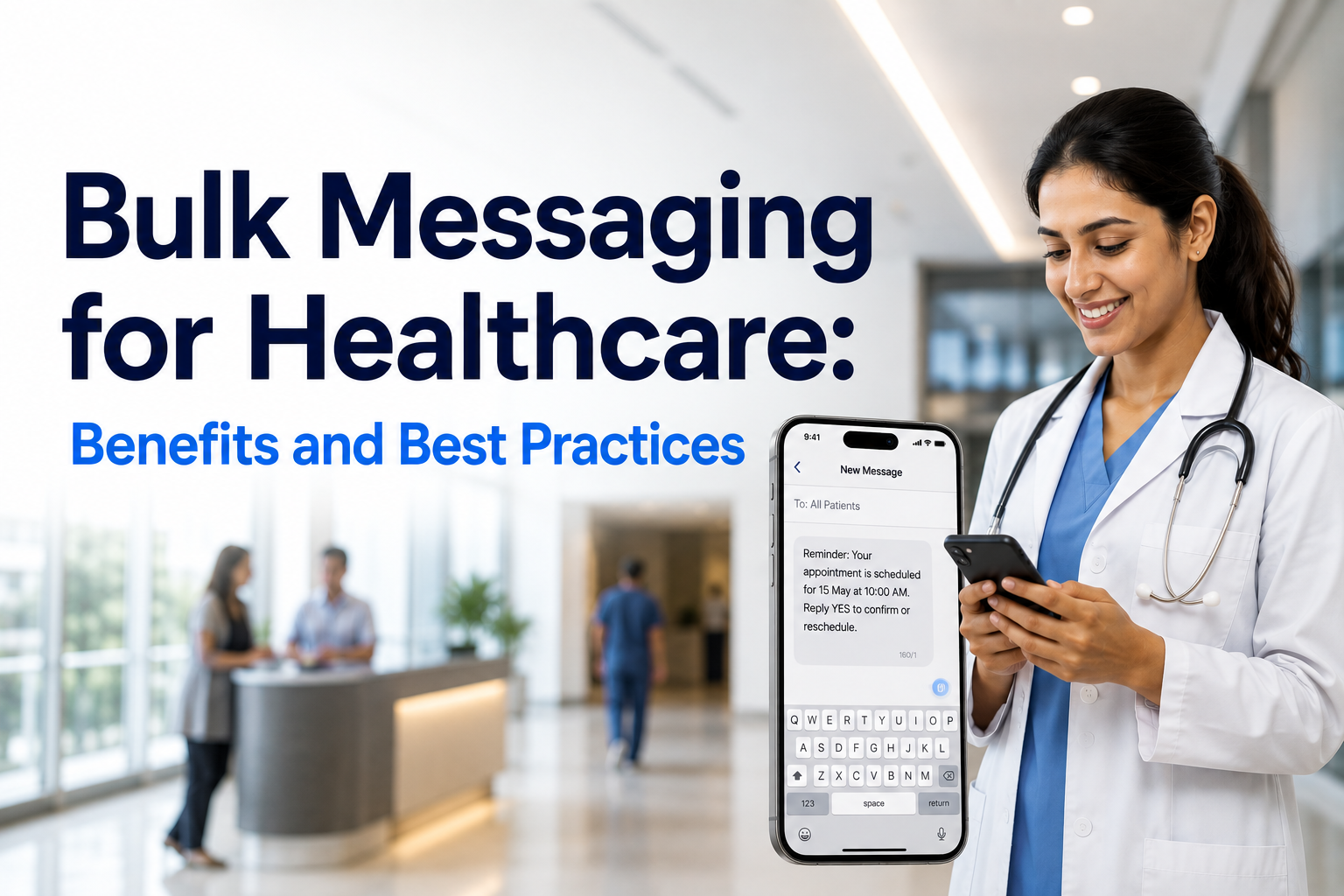
- Text reminders get read fast, usually within minutes, which is why they tend to outperform every other channel.
- Automated calls work, though they're easier to ignore or let go to voicemail.
- Email is good for anything detailed, like intake paperwork, but people check it less consistently.
- App notifications only work if the patient actually downloaded the app in the first place, which is a real barrier.
If you're only picking one channel to start with, text wins for the simple reason that it doesn't ask much of the patient.
Does This Actually Move the Needle?
Worth asking, since not every practice tool lives up to its promises. This one mostly does.
Mayo Clinic's Jacksonville facility cut no-shows nearly in half after adding text reminders sent two days ahead. Dignity Health saw a 25% drop after rolling out automated scheduling reminders.
Broader research on SMS reminders specifically puts the reduction somewhere between 29 and 39% across healthcare and a handful of other service industries. Those texts get opened around 98% of the time, usually with a reply within about 90 seconds.
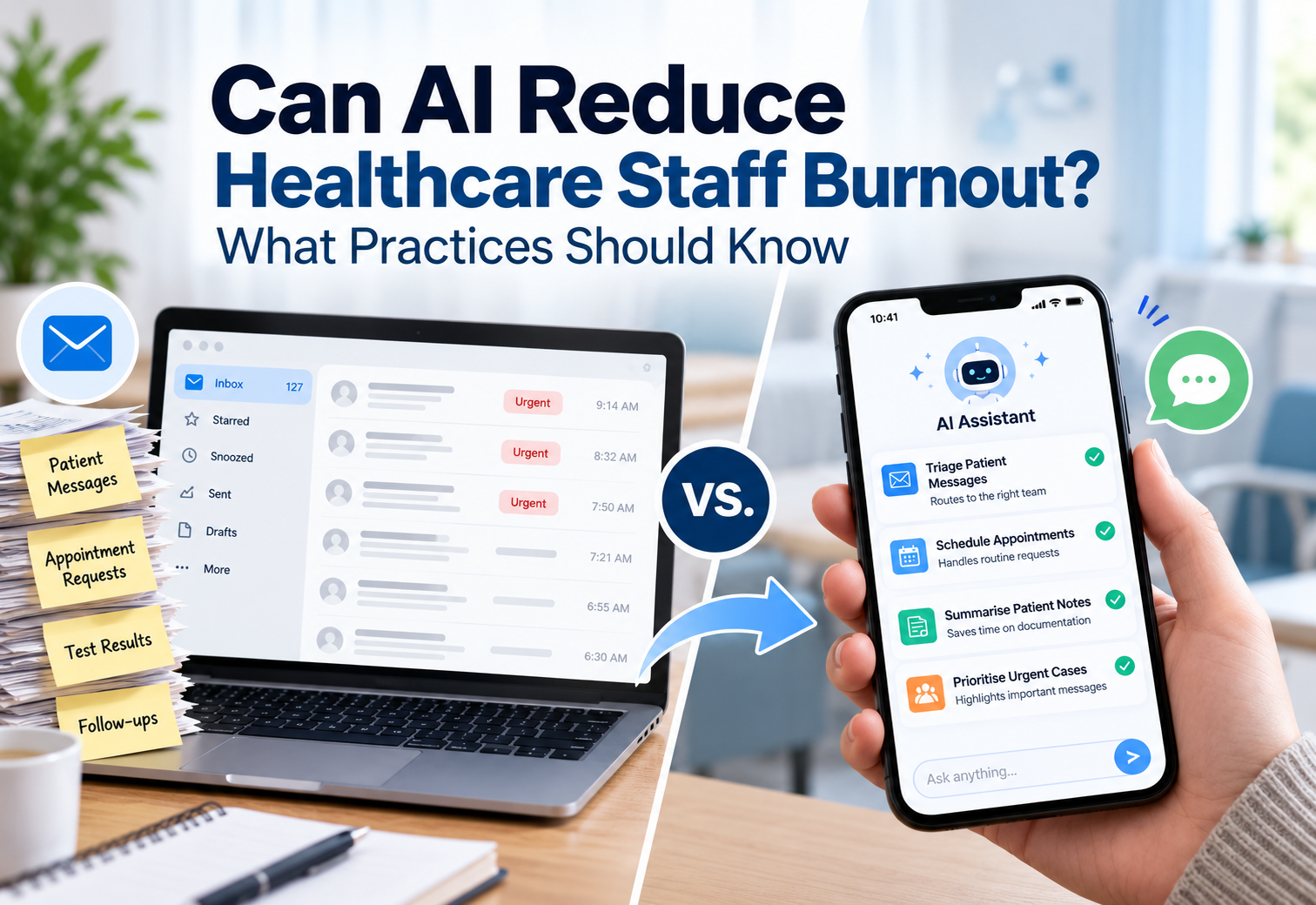
There's also the staff side of it. Every hour someone isn't spending on the phone confirming appointments is an hour they can spend with the patient standing in front of them.
What Actually Matters When You're Comparing Options
A lot of appointment reminder software looks the same on the surface. A few things separate the ones worth paying for:
- Two-way texting that does something. If a patient replies "reschedule," that needs to trigger a real change, not just sit in an inbox.
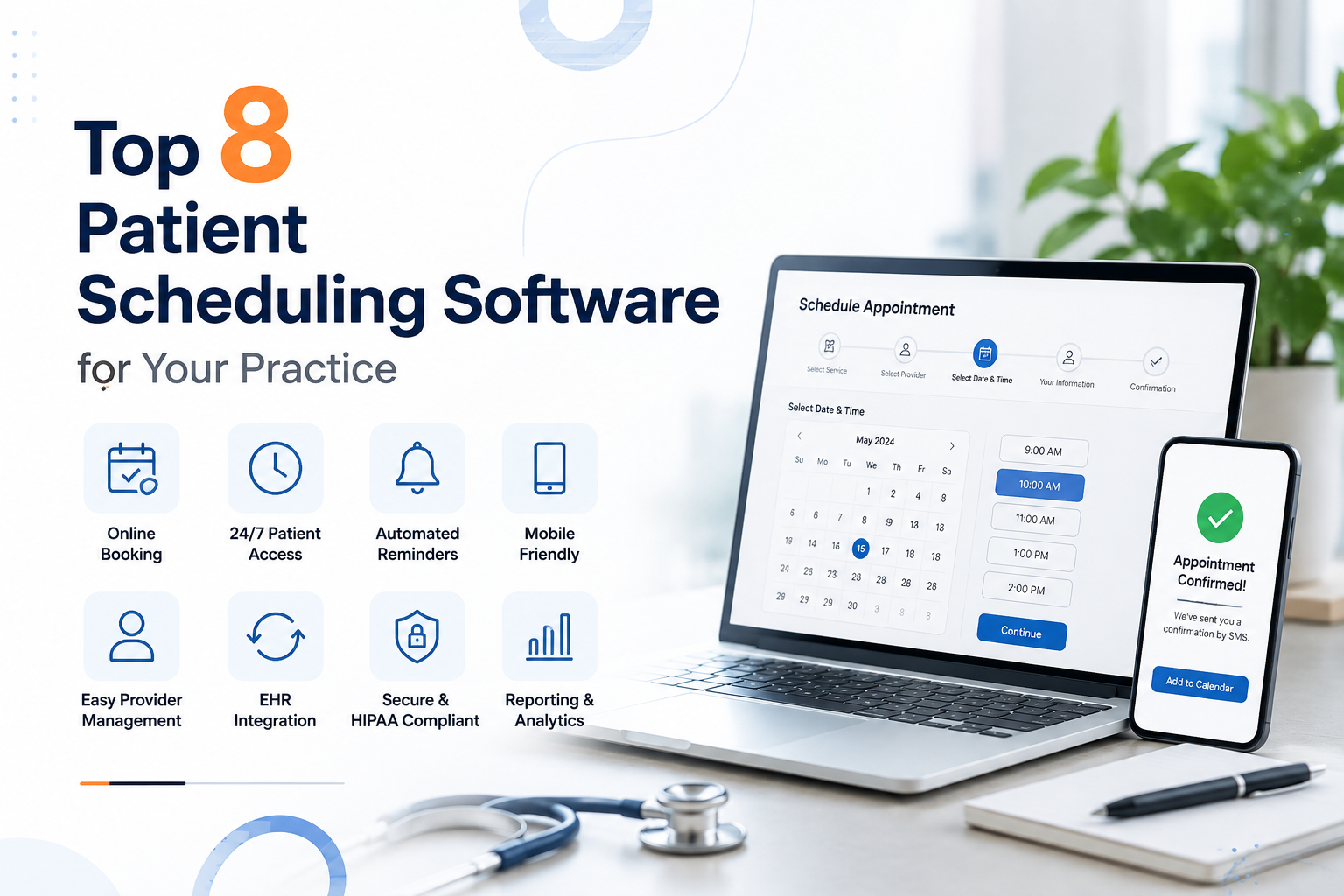
- Real sync with your EHR or scheduling tool, so nobody's uploading spreadsheets by hand.
- Reminder timing you can actually adjust by appointment type.
- HIPAA compliance, non-negotiable given what's in these messages.
- Your existing number. Patients trust the number they already have saved. A new one just adds friction.
- Some visibility into results, so you know if reminders are working or just going out.
A solo provider running a handful of appointments a day doesn't need the same setup as a practice managing thousands across multiple locations. Worth being honest with yourself about which one you actually are before you shop.
How SimpleChime Handles This

SimpleChime sends reminders by text through the number your practice already uses, so nothing feels unfamiliar to patients. Everything syncs to your EHR in real time, so when someone confirms or asks to reschedule, that's reflected on your schedule right away. No one has to go back and update it manually.
Practices using it have seen no-shows drop by around 40 percent. Replies land in the same shared inbox your team already checks for general patient texts, so nothing gets missed in a separate tool.
Conclusion
An appointment reminder system is only as useful as what happens after the reminder goes out. The ones worth having handle the reply, not just the send, and stay synced with a schedule that's actually accurate. Get that right, and you'll notice fewer gaps in the calendar and a front desk that isn't spending half its day on the phone chasing confirmations.
FAQs
What is the purpose of appointment reminder systems?
They cut down on missed appointments by notifying patients ahead of time and giving them an easy way to confirm, reschedule, or cancel. That also saves front desk staff from spending hours on manual reminder calls.
How do automated appointment reminders work?
The system connects to your EHR or scheduling software, pulls appointment details, and sends reminders on a set timeline. When a patient replies to confirm or reschedule, the change updates automatically.
How do you send appointment reminders via text?
You set a timeline and message template, and the software sends reminders automatically as appointments come up. The better systems support two-way replies, so patients can confirm or reschedule right from the text.
How do automated reminders reduce no-shows?
They catch patients before an appointment slips their mind. Mayo Clinic's Jacksonville facility cut no-shows nearly in half using text reminders sent two days ahead, and research on SMS reminders shows reductions in the 29 to 39 percent range.
Are appointment reminders HIPAA compliant?
They can be, but it depends on the software. Standard carrier SMS doesn't meet HIPAA requirements on its own, so practices need a platform built for secure messaging that will sign a business associate agreement.