What is Bulk Messaging in Healthcare? Uses, Tips & Tools
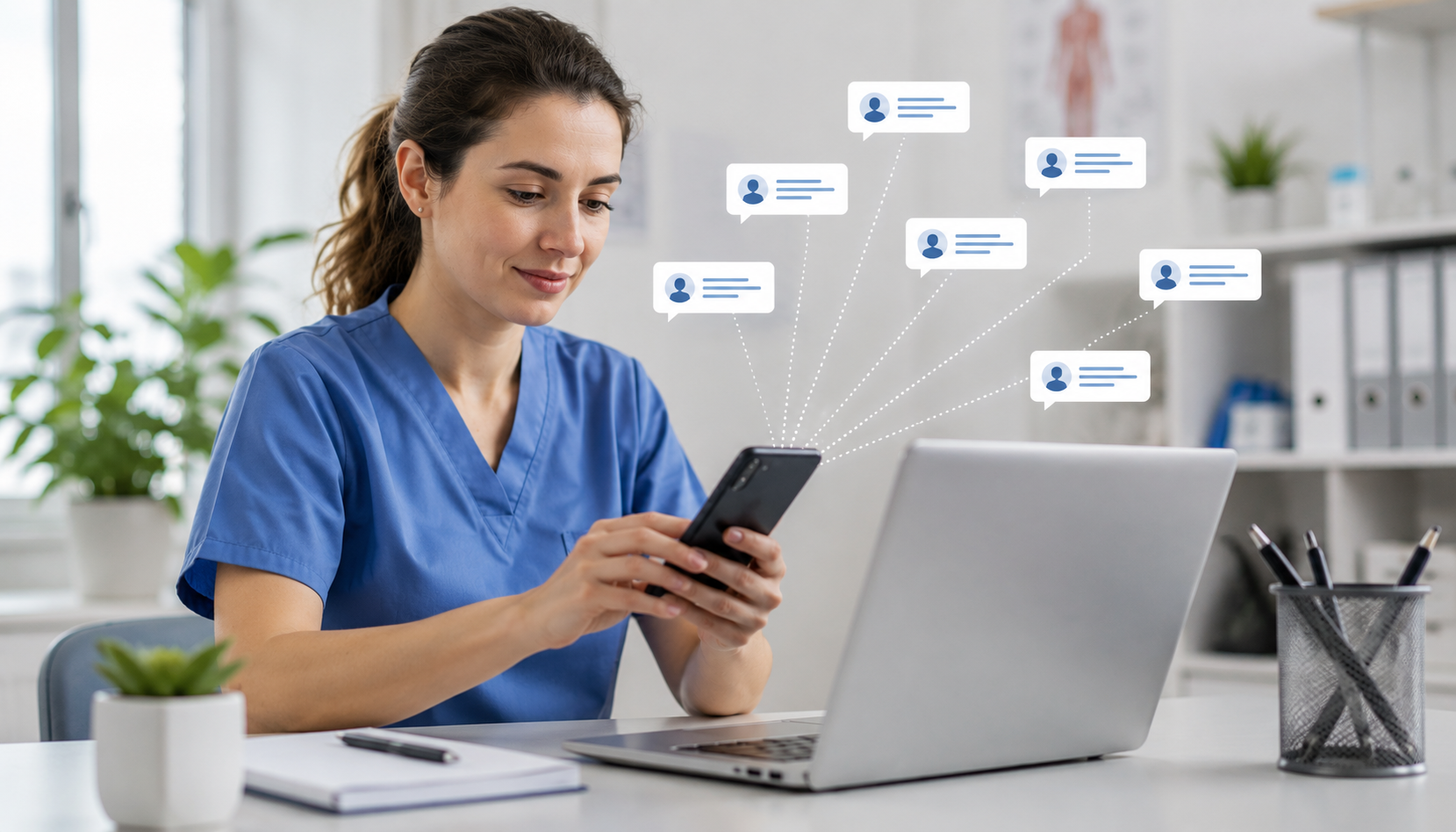
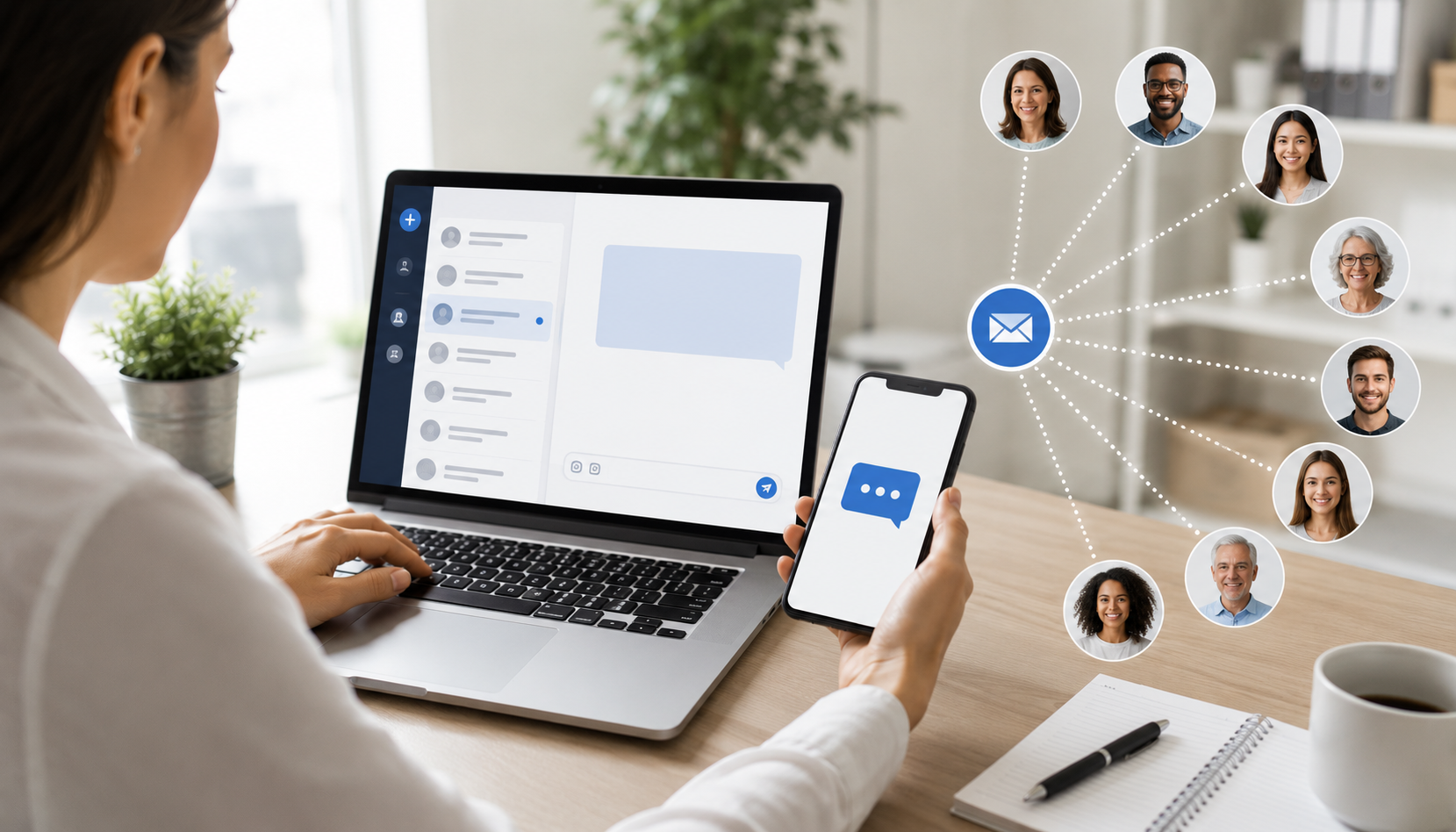
Monday mornings at most practices go the same way. Forty patients need a reminder about tomorrow's appointments, the office is closing early for a staff meeting, and flu season is coming up fast. Texting all of that out one person at a time would take the whole morning, and someone would still get missed. Bulk messaging is the fix. Write it once, send it to your whole list, and each patient gets it as their own private text. Nobody sees a group thread. Nobody replies to a crowd.
What Is Bulk Messaging?

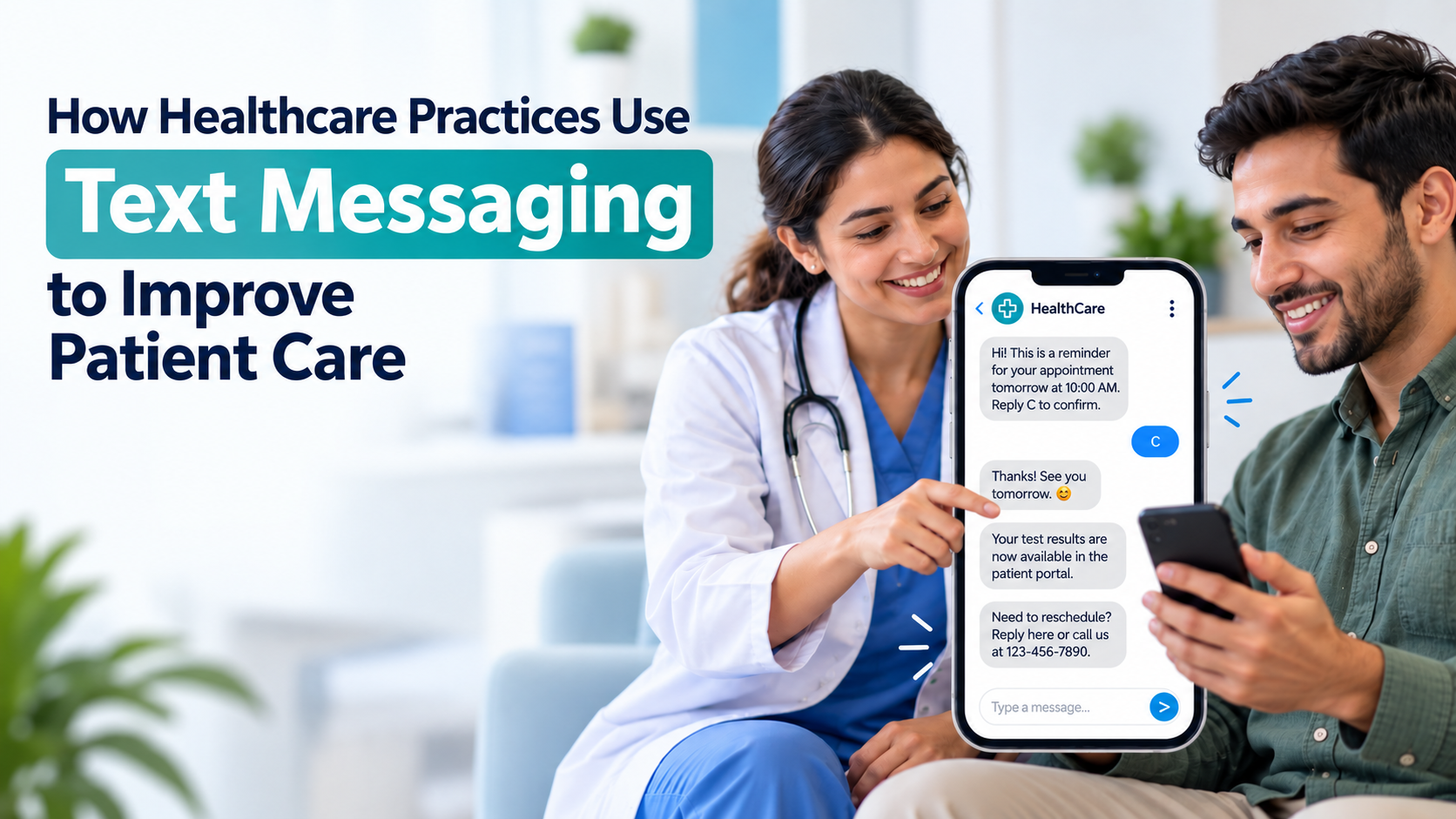
It's exactly what it sounds like: one message, sent to a lot of patients at the same time, instead of writing and sending each one by hand. Practices lean on it for appointment reminders, closures, seasonal heads-ups, insurance changes, whatever needs to reach a group at once. The trick is that it doesn't feel like a mass blast on the receiving end. Each patient just sees a normal text from your practice, sitting in their regular thread.
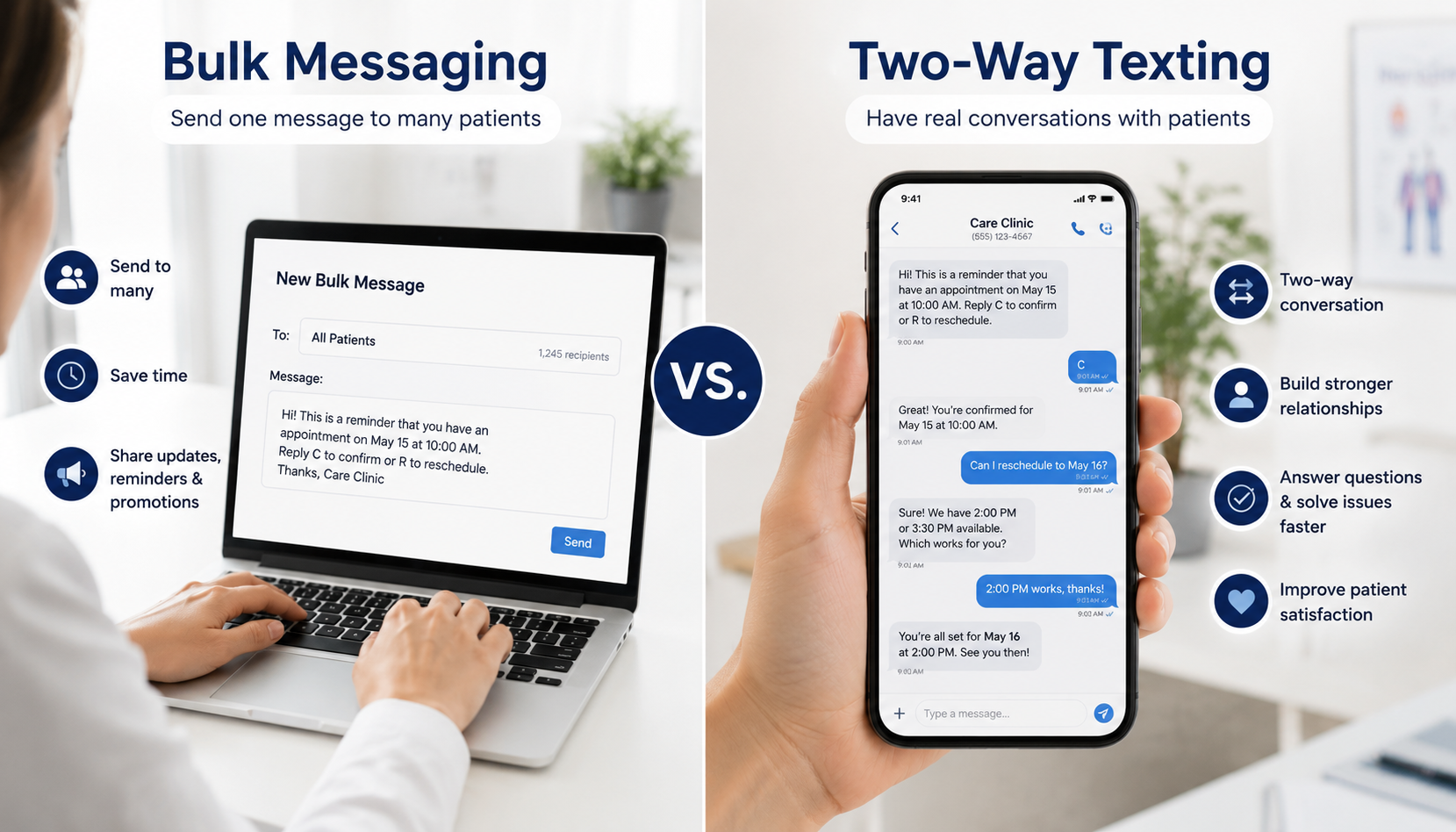
Bulk Messaging vs. Two-Way Texting

Worth clearing up, because the two get lumped together a lot.
Bulk messaging is one-to-many. You write it once, and it goes to everyone on the list. Two-way texting is one-to-one, a real conversation with a patient about their appointment or a question they have. They're not competing tools; they just do different jobs.
Say you send a bulk text about a holiday closure. A patient reads it and texts back asking to move their appointment. That reply is where two-way texting takes over. SimpleChime keeps both in the same inbox, so a broadcast and a real conversation never end up in two different places.
Why Practices Bother With It
Mostly it comes down to time, but a few other things matter too:
- Fewer no-shows. A reminder sent to the whole day's schedule at once means the front desk isn't dialing forty numbers by hand.
- Urgent stuff moves fast. A snow closure reaches everyone in a couple minutes instead of an hour of phone tag.
- Quieter phones. Patients who already got their answer by text don't call in to ask the same thing again.
- Consistent wording. Everyone reads the exact same message, so nothing gets garbled the way it can over a rushed call.
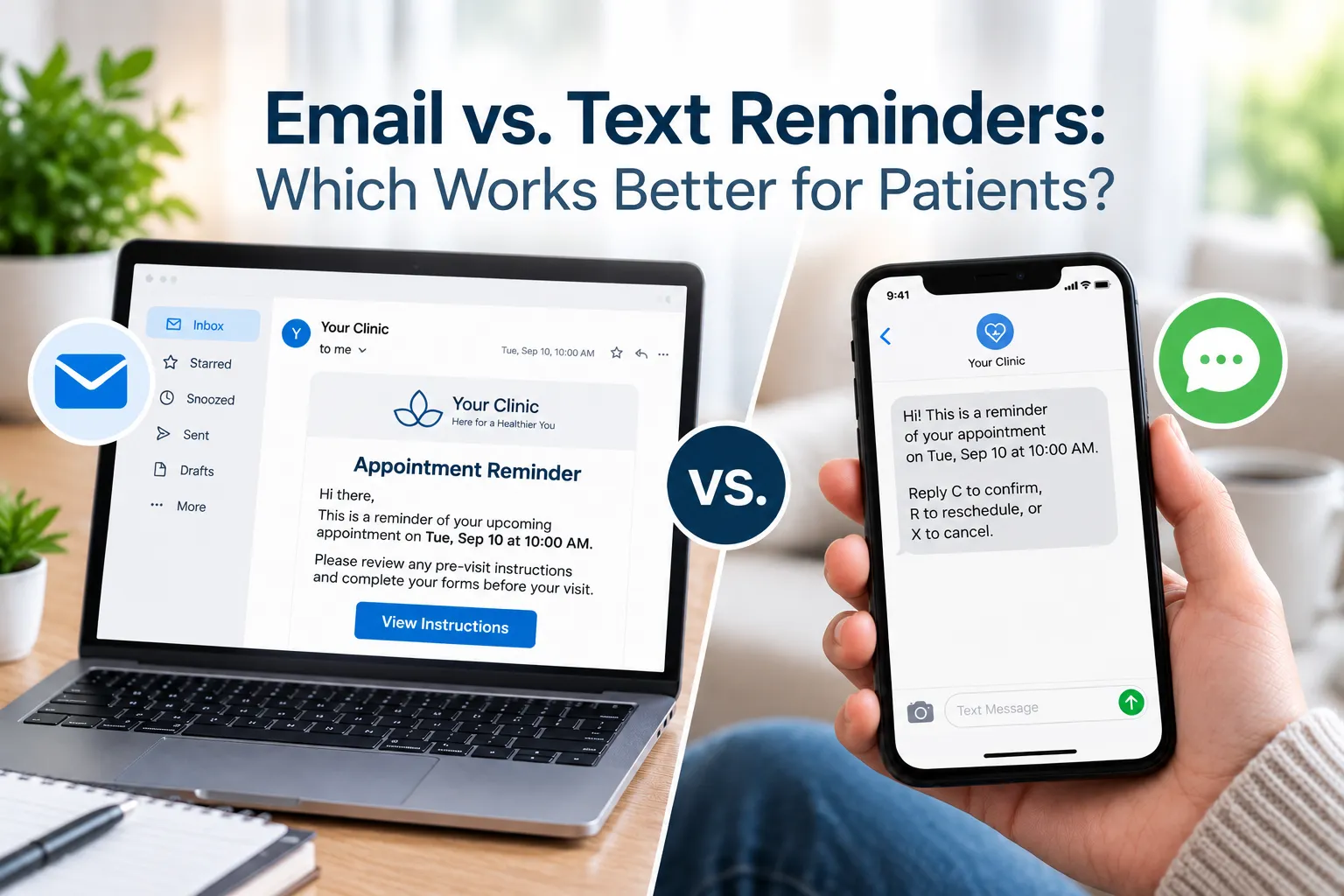
- Texts get read. Open rates blow past email and mailed letters, so whatever you send has a real shot at being seen before the appointment, not after.
How to Actually Send Bulk Texts

It's not just typing a note and hitting send to your whole list. A few things matter first:
- Make sure patients said yes to texting. This isn't optional, and skipping it is a fast way to annoy people.
- Split the list into smaller groups. By appointment date, provider, or location, so the message fits the people getting it.
- Say the main point first. If someone needs to do something, like confirm, put that in the first line, not at the end.
- Use software made for healthcare. It needs a signed BAA (a legal agreement that protects patient data) and strong security. A regular texting app isn't built for that.
- Send it now or set it to go out later, whichever works better.
- Make sure replies actually reach someone. A message that patients can't reply to isn't much use in healthcare.
Picking Software That's Actually Built for This
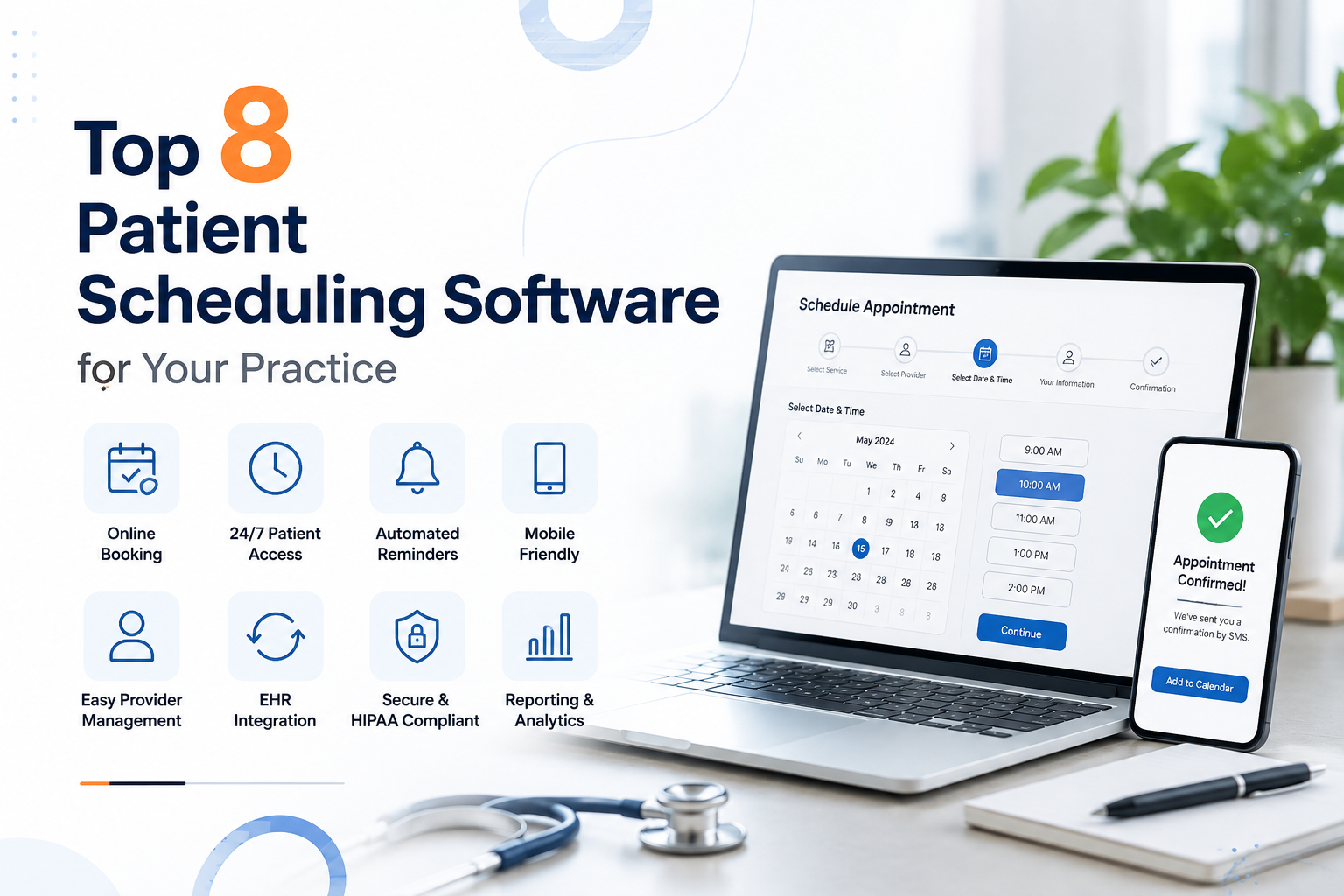
A lot of bulk messaging apps exist. Most of them weren't made with a medical practice in mind, and it shows once you start asking questions. Here's what actually matters:
- A signed BAA. If patient health information is involved, this is a must, not a bonus.
- Easy list sorting. You should be able to filter patients by appointment type or location without exporting anything to a spreadsheet by hand.
- A way for patients to reply. People will text back whether you expect it or not, even to a one-way message.
- A connection to your patient records system. So your list updates on its own instead of someone retyping it every week.
- Proof that the message was delivered. Good for your own peace of mind and your records.
- Saved templates. Handy, once you've written the same reminder three times already.
The simple way to sort good options from bad ones: just ask the vendor about the BAA, how long they keep patient data, and where a reply actually goes. If they can't answer clearly, keep looking.
Habits That Keep It From Backfiring
- One point per message, not three crammed into one text. Nobody reads a long one closely.
- Don't send at 6 a.m. just because the system let you schedule it that early.
- Make opting out simple and actually honor it the moment someone does.
- Never put anything sensitive in the text itself. Point to a secure link or ask them to call instead.
- Reminders land better a day or two out than the same morning.
- Clean out numbers that keep bouncing every so often. A list full of dead numbers just drags down your delivery rates for no reason.
Conclusion
Bulk messaging gets one message in front of every patient who needs it, fast, whether that's a reminder, a closure, or a flu season heads-up. Pair it with two-way texting for the conversations that actually need back-and-forth, and that covers most of what a front desk deals with in a given week.
SimpleChime puts bulk messaging, two-way texting, and appointment reminders in one HIPAA-compliant platform built for medical practices.
Book a demo and see how it fits the way your practice actually runs.
FAQs
Is bulk messaging HIPAA-compliant?
Bulk messaging is just a way of sending texts. Whether it's HIPAA-compliant depends on the software you use. Look for a signed BAA and real data protection before you send anything about a patient this way.
What's the difference between bulk messaging and mass texting?
Barely any. They're generally the same thing, just different words for sending one message to a big group at once. "Mass texting" shows up more outside of healthcare.
Can patients reply to a bulk message?
Yes, if the software supports it. A good system routes replies into a shared inbox so staff can follow up one-on-one, even though the original text went out to a whole list at once.
How many patients can I message at once?
It depends on the platform and carrier setup, but most healthcare messaging tools handle anywhere from a few dozen patients to several thousand in a single send.