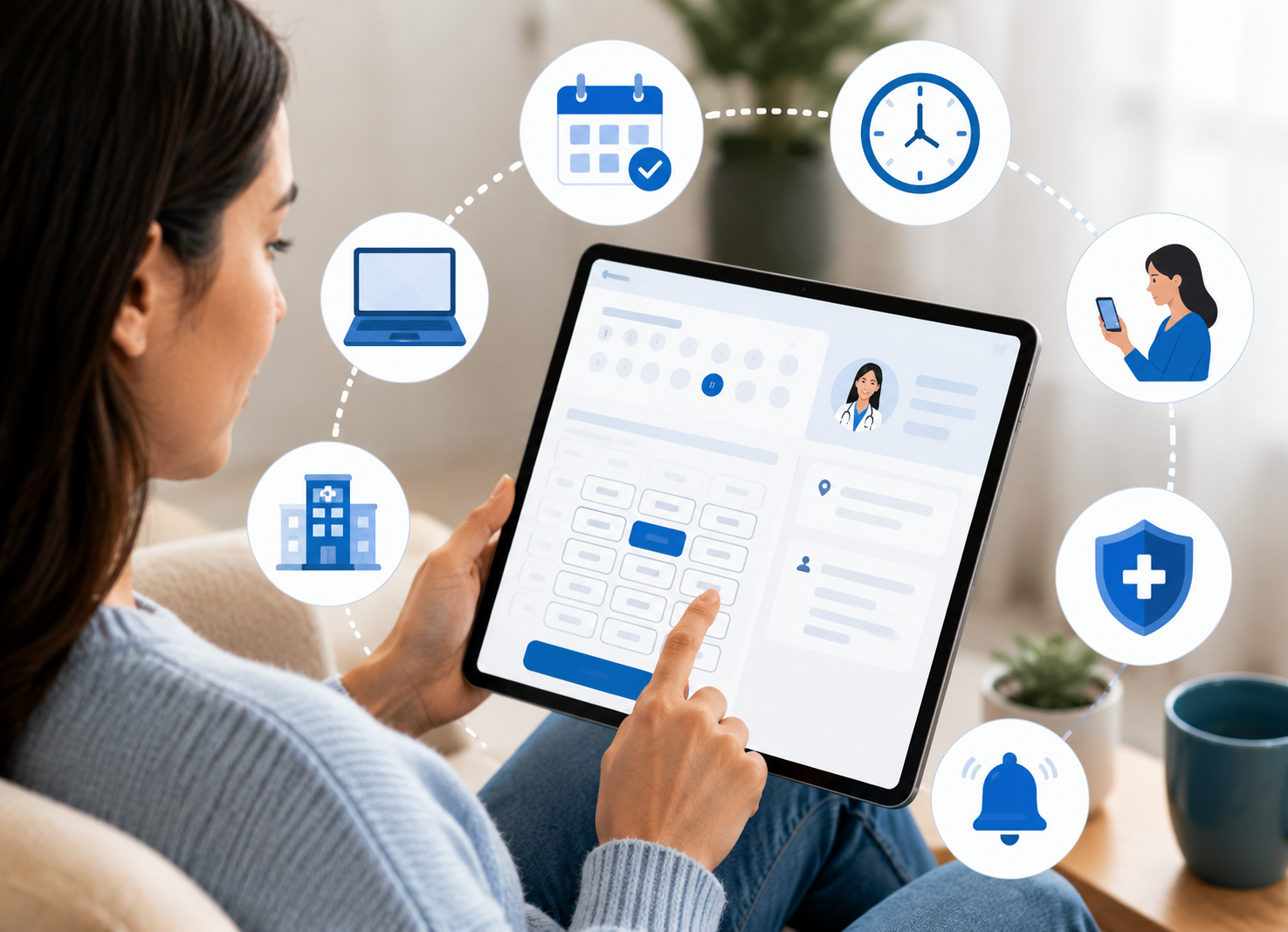
Patient self-scheduling means patients handle their own booking, usually through a website, app, or text link, instead of calling in. They see what's open, grab a slot, and get a confirmation right away.
Think of it like OpenTable or a rideshare app, but for a doctor's calendar. You find an open time, tap it, and you're booked. On the practice side, the scheduling software quietly keeps everything organized, so the same slot never gets grabbed twice.
How Does Patient Appointment Scheduling Software Work?
Patient appointment scheduling software links your calendar to a booking page patients can actually use on their own, no back-and-forth, no waiting for someone to call back with an opening.
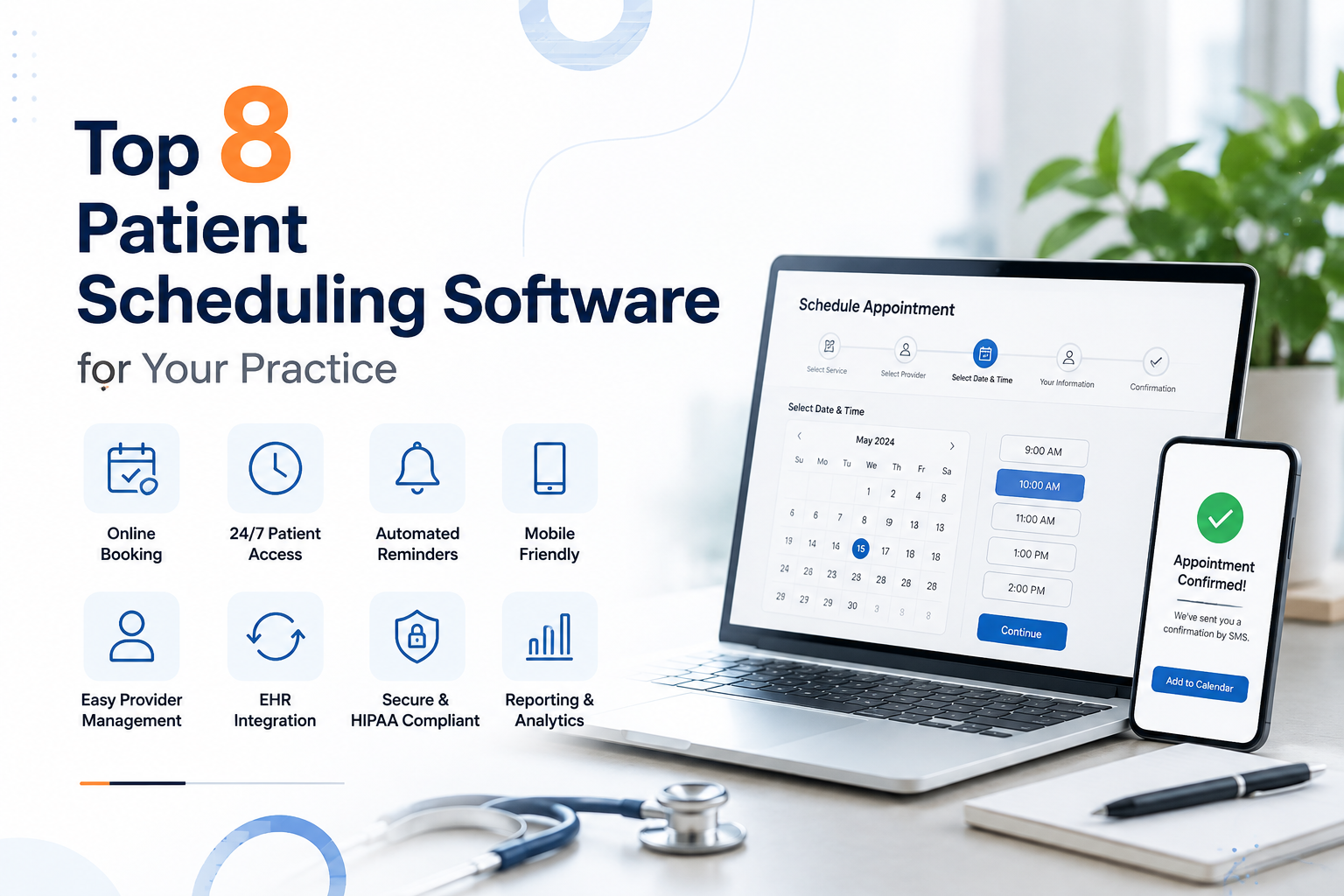
Here's roughly how it plays out:
- Patient pulls up your website, app, or a text link you sent them
- The patient scheduling system shows what appointment types and times are open
- They pick a slot and fill in their own details
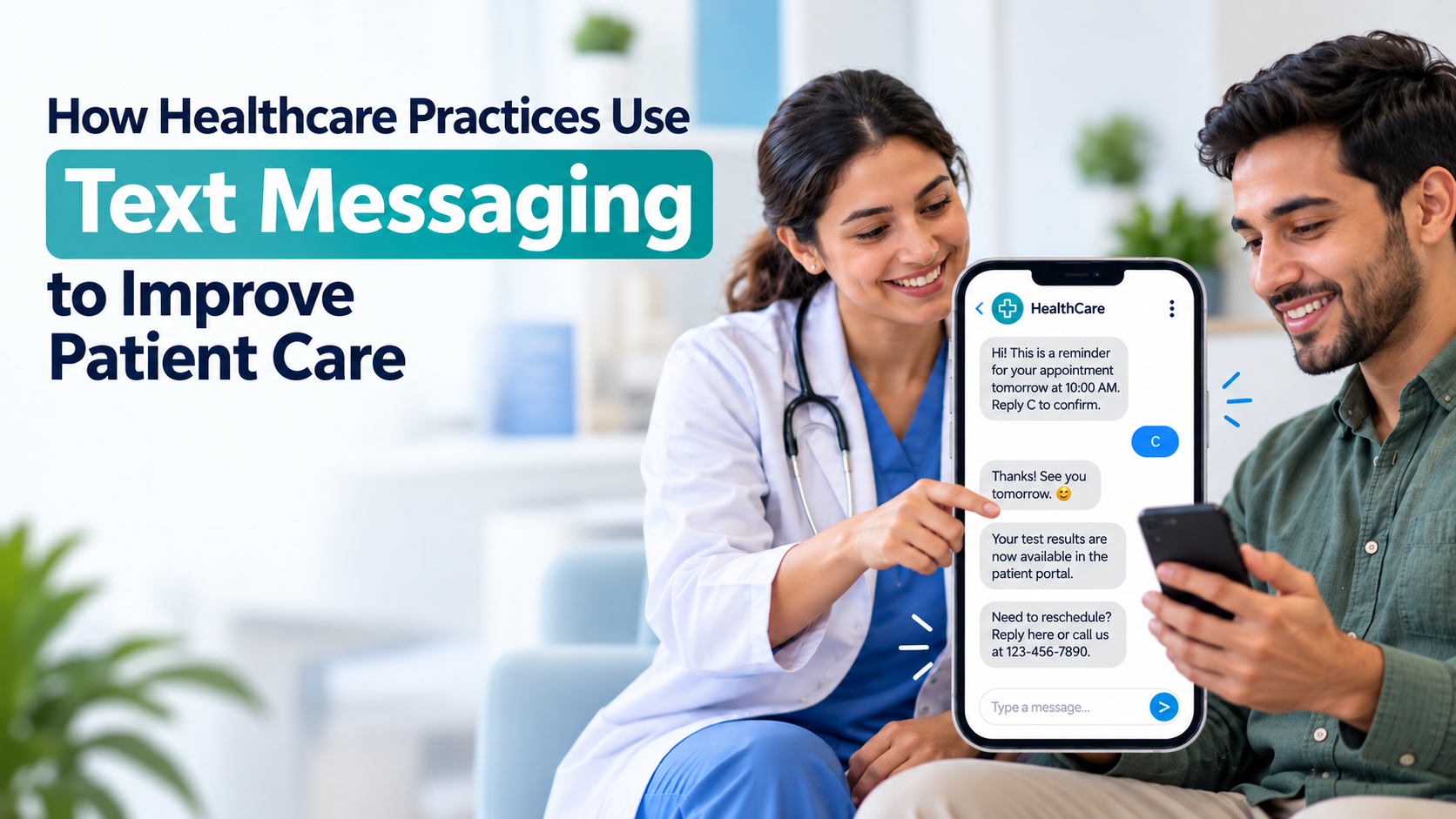
- A confirmation goes out, followed by reminders as the visit gets closer
- Any cancellation or reschedule updates the calendar instantly, so two people can't land on the same slot
Most patient scheduling programs also plug straight into your EHR or practice management platform, so nobody's re-typing appointment info by hand later.
Benefits of Online Patient Scheduling
Online patient scheduling isn't just a nice-to-have anymore. It changes things on both sides of the desk.
For patients:
- Booking happens at 11 p.m. if that's when they think of it, not just during business hours
- No hold music, no explaining themselves twice
- Fewer people skip care altogether. Over 60% of patients say they've skipped a doctor's visit at some point simply because scheduling one felt like too much of a hassle
For your practice:
- Staff aren't tied to the phone all morning
- Slots fill quicker since patients can grab an opening the second it's posted
- No-shows drop because people pick times that actually fit their day, not whatever the receptionist could squeeze them into
- Fewer "wait, is this the right birthdate" moments, since patients type their own info
Must-Have Features in Healthcare Scheduling Software
Not every healthcare scheduling app is built the same, and the difference usually shows up six months after you've signed the contract. Before committing to a patient scheduling solution, check for a few things:
- EHR and
practice management integration, or you'll end up with two calendars that never quite agree
- HIPAA-compliant data handling, meaning real encrypted storage, not just a login screen
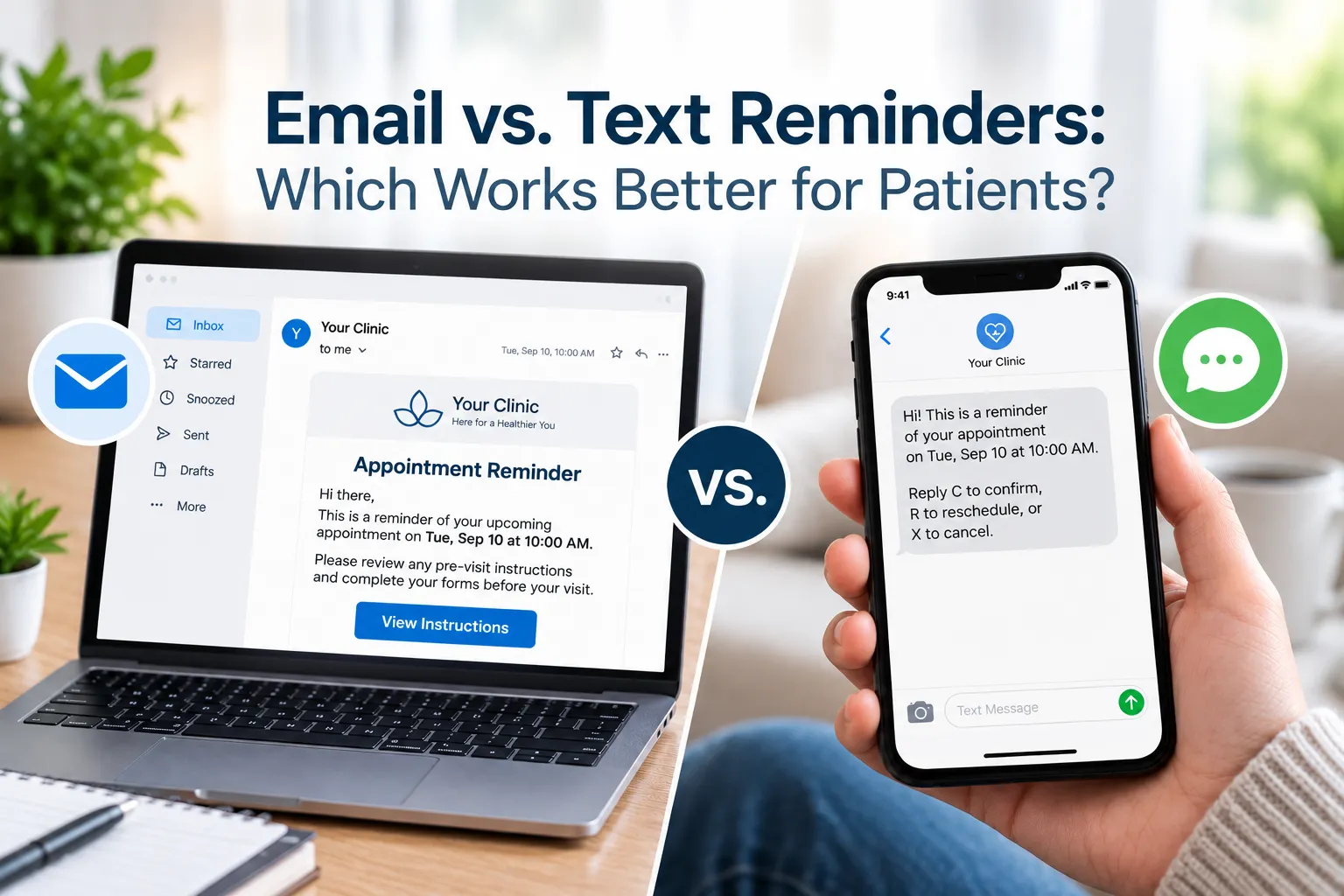
- Automated reminders by text or email, since that's what actually cuts no-shows
- Waitlist management that fills last-minute cancellations without someone manually calling down a list
- Multi-location and multi-provider support, if you've got more than one calendar to juggle
- Self-service cancellations and rescheduling, not just new bookings
A healthcare appointment scheduling software platform that checks all of these tends to save the most staff time over the long haul.
Self-Scheduling vs. Phone-Only Booking